Treasures Mine-TENOKE Download
Game Details
♂ After reviewing the game, BUY the game to support the developer
https://store.steampowered.com/app/4463020/
Screenshots
About This Game
Treasures Mine is a mining and exploration adventure game where players dig through underground caves, collect rare materials, and uncover hidden treasures across dangerous environments filled with traps and hostile creatures. Players upgrade mining tools, manage resources, and explore deeper areas while searching for valuable discoveries and secret locations.
The TENOKE release includes the latest version with updated content and gameplay fixes. The game combines resource gathering, crafting, exploration, and light survival mechanics with progression systems that unlock better equipment, new mining zones, and advanced upgrades during long excavation runs.
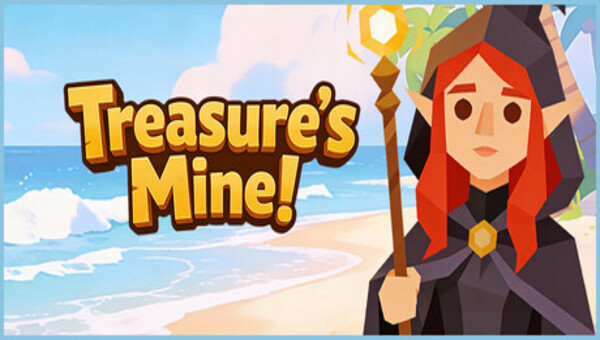
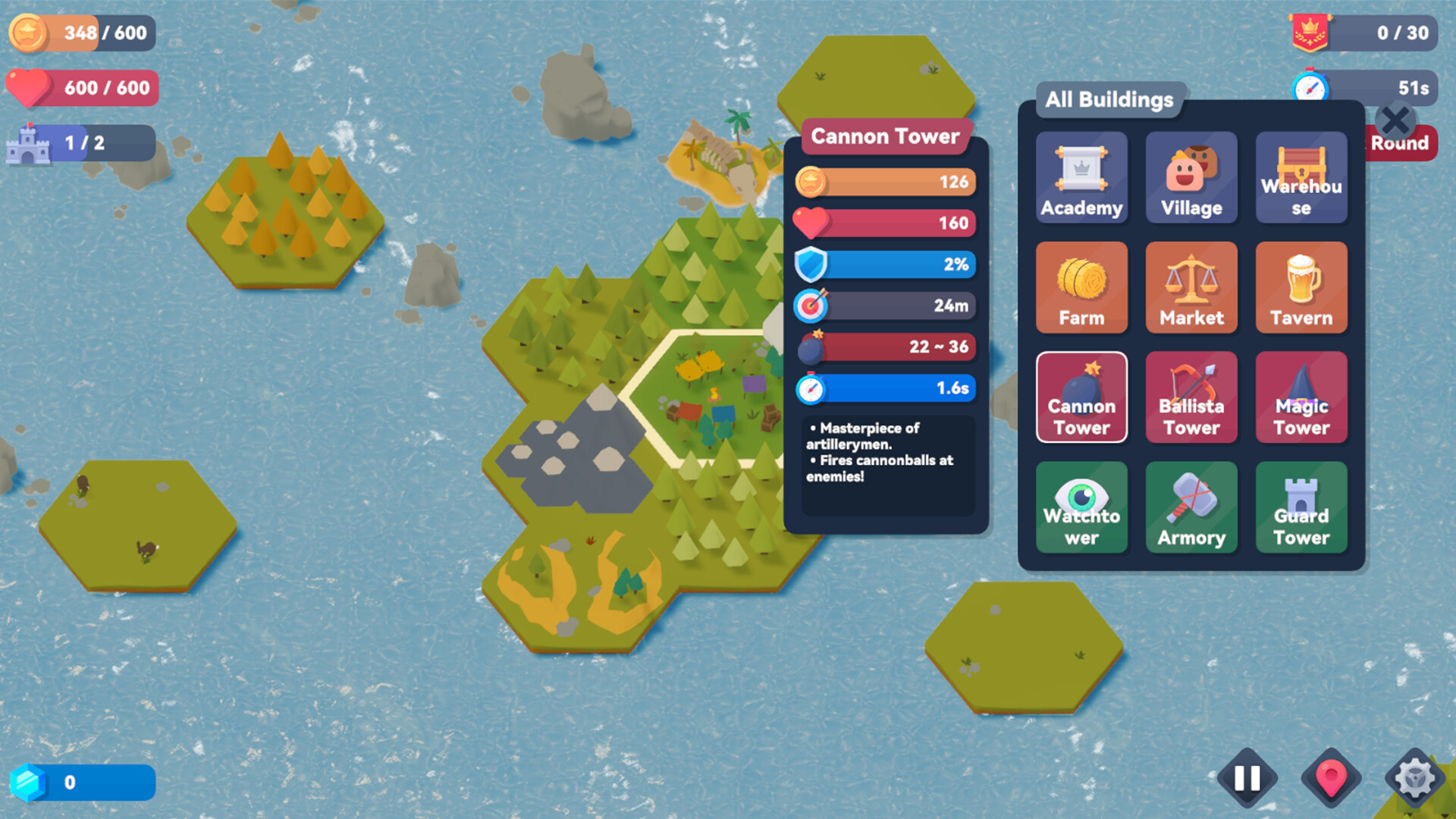
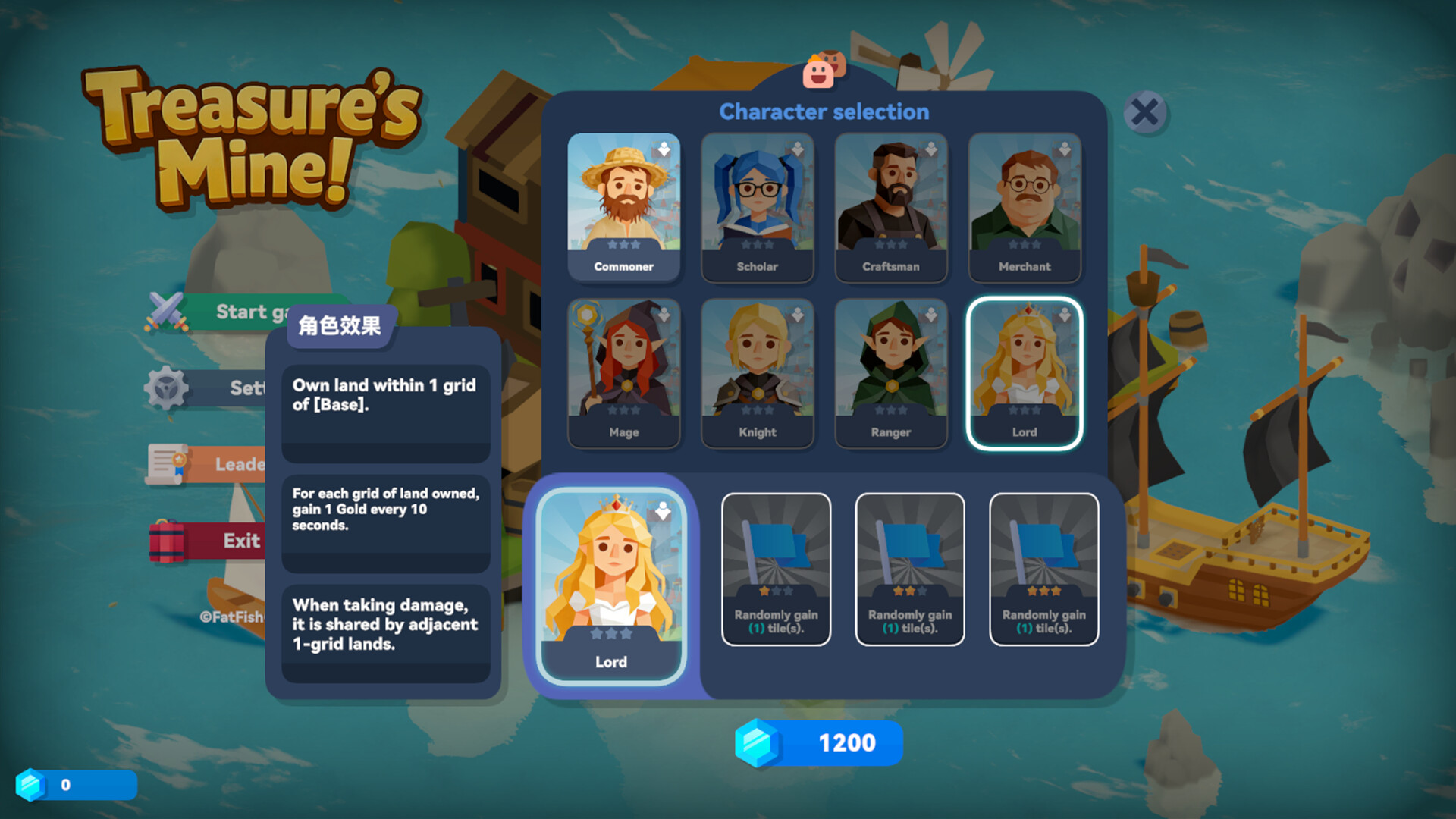
Build defenses on randomly generated archipelagos and repel waves of pirates! Expand your territory, combine defense towers, and collect treasure to strengthen your island. Protect your treasure and become the richest lord!
System Requirements
MINIMUM:
- Operating system:Windows 10
- Processor:Intel Core i3 2.00 GHz
- RAM:4 GB of memory
- Graphs:Intel® HD Graphics 3000
- Disk space:1 GB of available disk space
Game Installation Guide
1) Download the game using a Torrent program or Direct program
2) Extract release
3) Mount ISO with DAEMON Tools if you want
4) Install the game
5) Copy crack from the Crack folder
6) Play!
General Notes:
– Make sure you have Spacewar installed. Windows Key + R and type (steam://install/480).
– It is recommended to turn off your antivirus as some files get detected as false positive.
– In the case of an offline game, you may need to block it with firewall to prevent it from going online.
– Do not block the game with firewall if you are playing an online game with your friends.
– Turn Off your AntiVirus and Block the game’s exe in your firewall to prevent the game from
trying to go online ..
– If you install games to your system drive, it may be necessary
to run this game with admin privileges instead
– If you have a vac ban then you won’t able to play online games, create a new account if the account you gonna use have one of those.
-Need Help!! Join our server
Download The Game
Important: This is not an official release of the game developer. Please after the test, buy game from the developer for the best experience.