Cats And Cups v1.3.1 Download

Game Details
- Very Positive (805)
♂ After reviewing the game, BUY the game to support the developer
https://store.steampowered.com/app/3521410/
Screenshots
About This Game
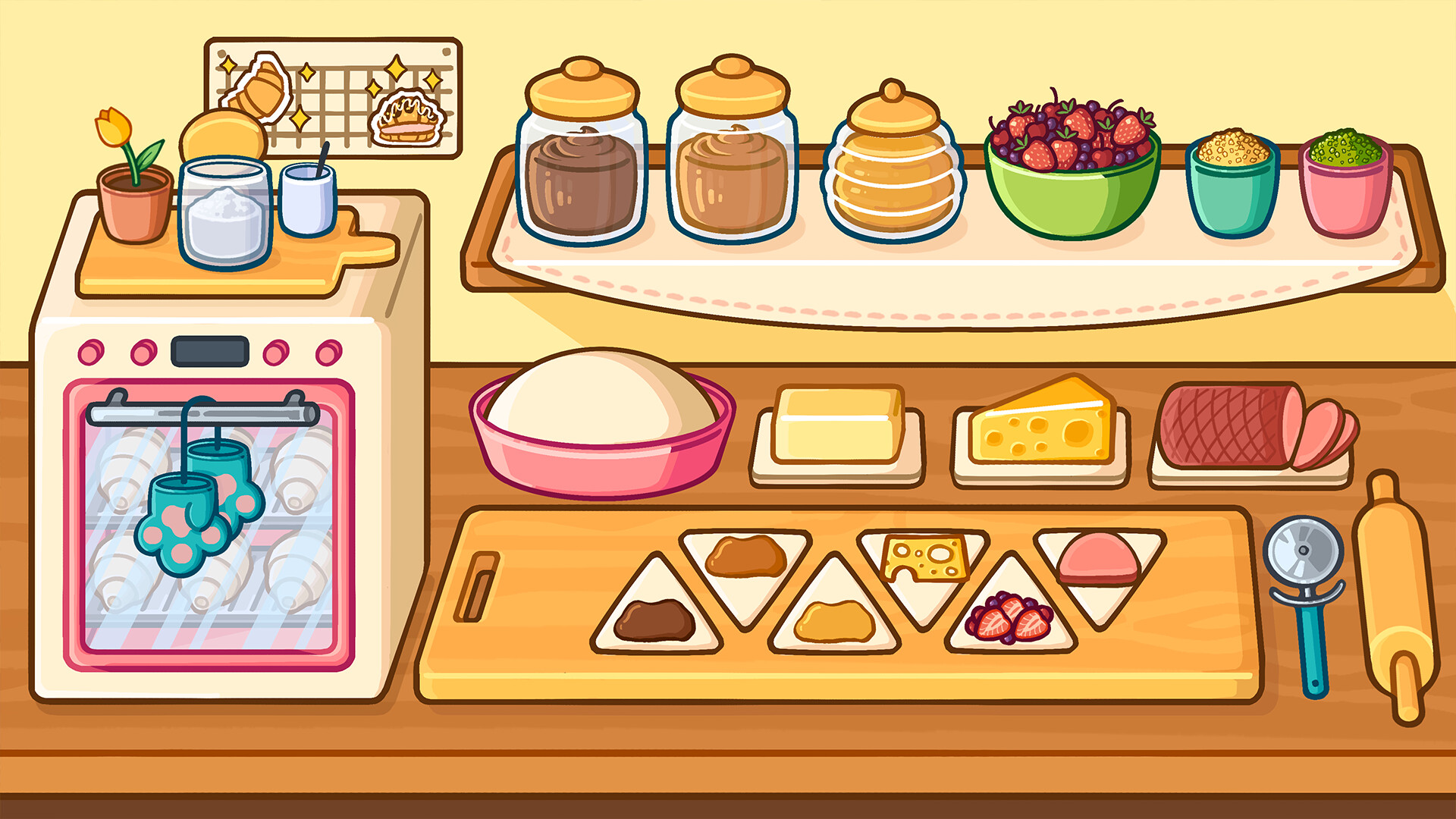
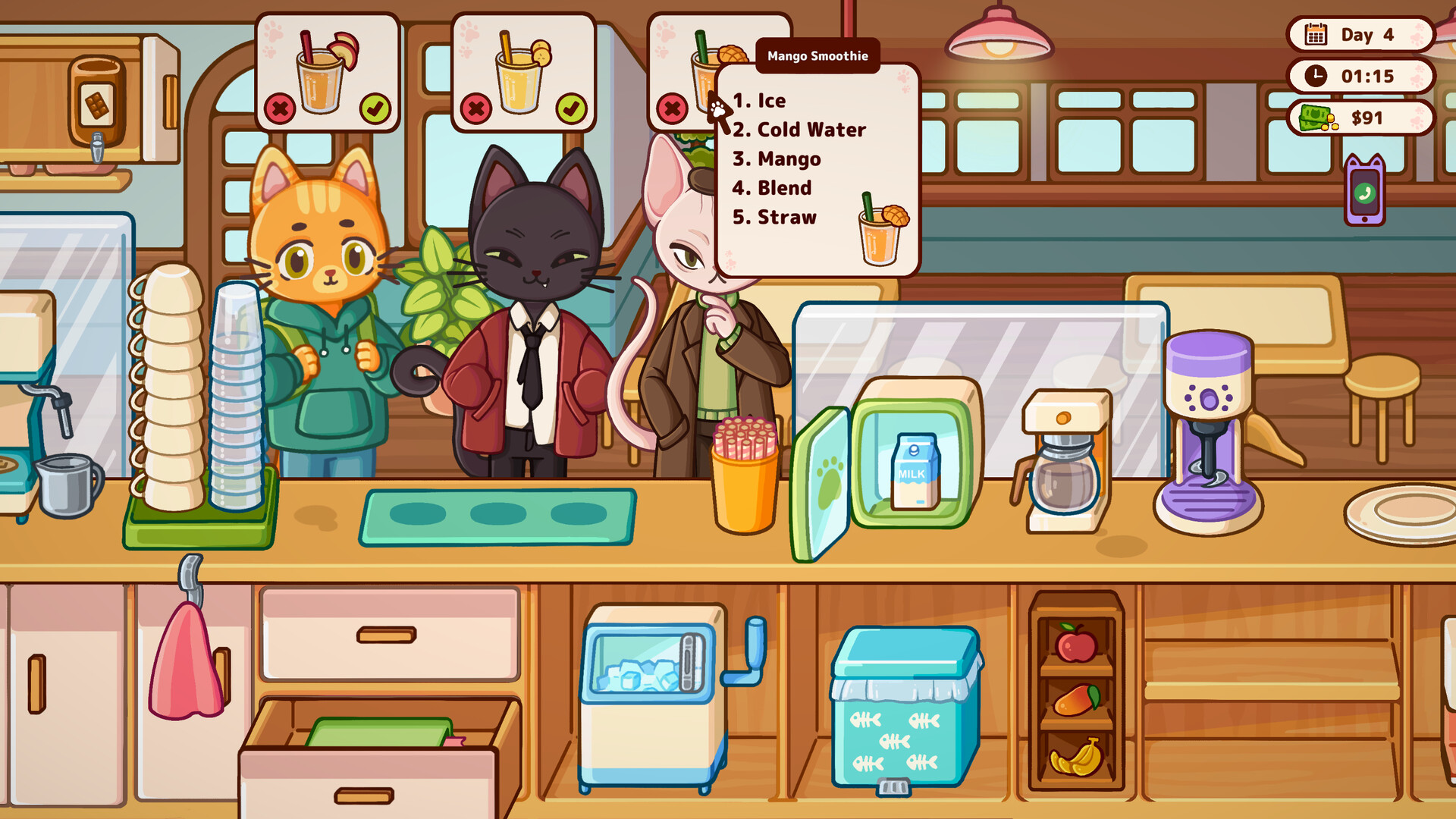
Cats And Cups is a relaxing puzzle and café management game where players serve drinks, interact with cats, and organize small café spaces through light strategy and task-based gameplay. Players prepare orders, decorate the café, unlock new items, and care for different cats that visit throughout the game.
Version 1.3.1 includes gameplay fixes, updated content, and performance improvements. The game focuses on calm progression, simple management mechanics, and casual puzzle elements while using soft visuals and relaxing music to create a slower and comfortable gameplay experience.Play as a barista in a cat-inspired coffee shop, where your customers are cats! Brew coffee and various drinks. Wholesome and cozy hand-drawn art, various mini-games and a lot of cats & coffee! Learn to craft complex orders, keep your catstomers happy. ☕
System Requirements
MINIMUM:
- Requires a 64-bit processor and operating system
- OS *: Windows 7 or layer
- Processor: Intel Pentium CPU G860
- Memory: 1 GB RAM
- Graphics: NVIDIA GeForce 840M
- Storage: 1 GB available space
- Additional Notes: 64 Bit Only
Game Installation Guide
1) Download the game using a Torrent program or Direct program
2) Extract the game to your preferred location with WinRar or 7-Zip
3) Wait for the extraction to end
4) No need to install the game, just start with the LAUNCHER of the game as administrator
5) Play!
General Notes:
– Make sure you have Spacewar installed. Windows Key + R and type (steam://install/480).
– It is recommended to turn off your antivirus as some files get detected as false positive.
– In the case of an offline game, you may need to block it with firewall to prevent it from going online.
– Do not block the game with firewall if you are playing an online game with your friends.
– Turn Off your AntiVirus and Block the game’s exe in your firewall to prevent the game from
trying to go online ..
– If you install games to your system drive, it may be necessary
to run this game with admin privileges instead
– If you have a vac ban then you won’t able to play online games, create a new account if the account you gonna use have one of those.
-Need Help!! Join our server
Download The Game
Important: This is not an official release of the game developer. Please after the test, buy game from the developer for the best experience.