A Bumpy Ride-TENOKE Download

Game Details
♂ After reviewing the game, BUY the game to support the developer
https://store.steampowered.com/app/3056840/
Screenshots
 About This Game
A Bumpy Ride is a physics-based driving game where players travel across rough roads, unstable terrain, and obstacle-filled tracks while trying to keep cargo and vehicles under control. The game focuses on balance, timing, and vehicle handling as players move through difficult environments with changing road conditions and hazards.
The TENOKE release includes the latest game version with updated content and fixes. Players can unlock vehicles, complete transport challenges, and improve driving performance across different maps that test precision, speed, and control during every trip.
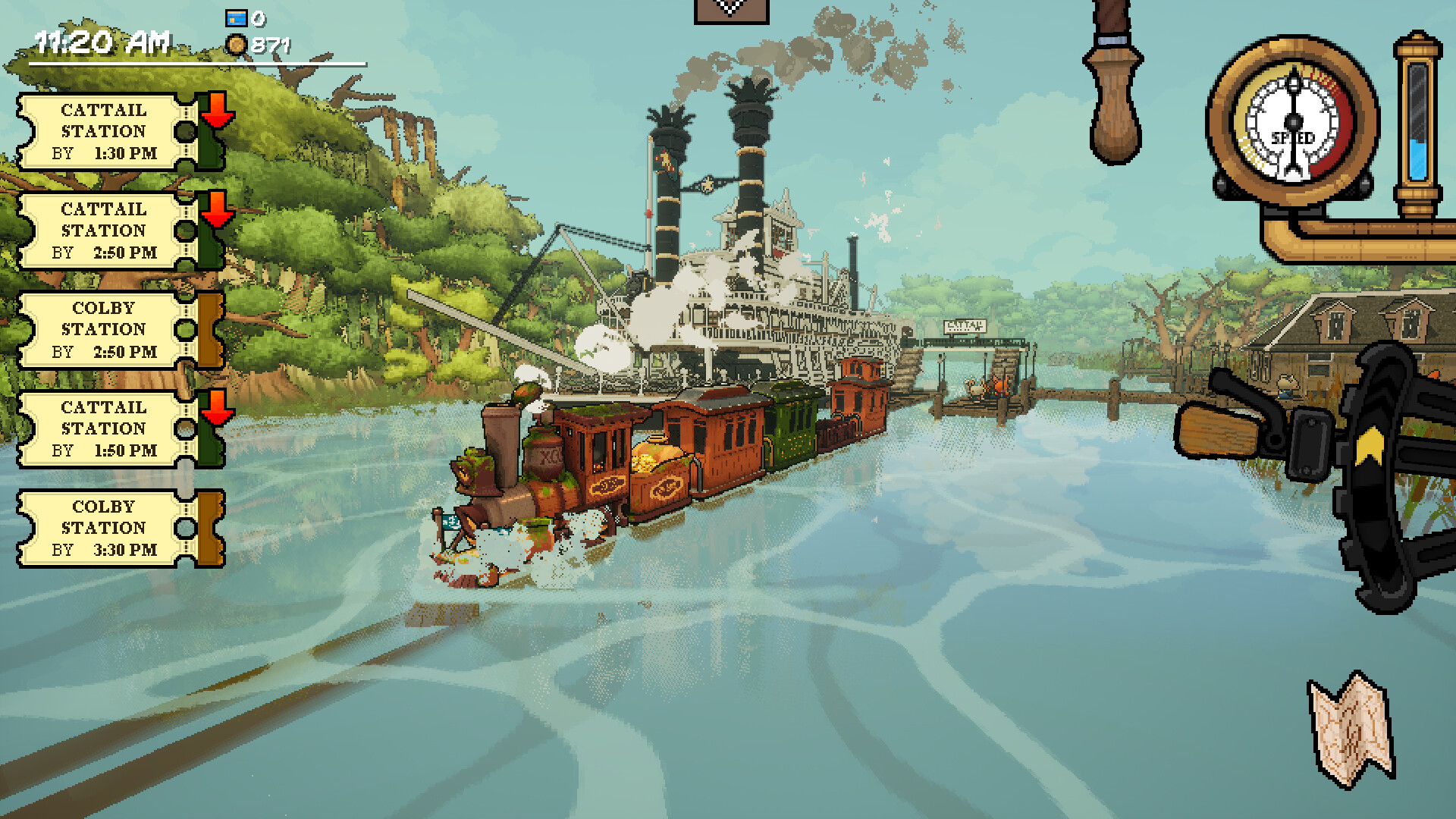
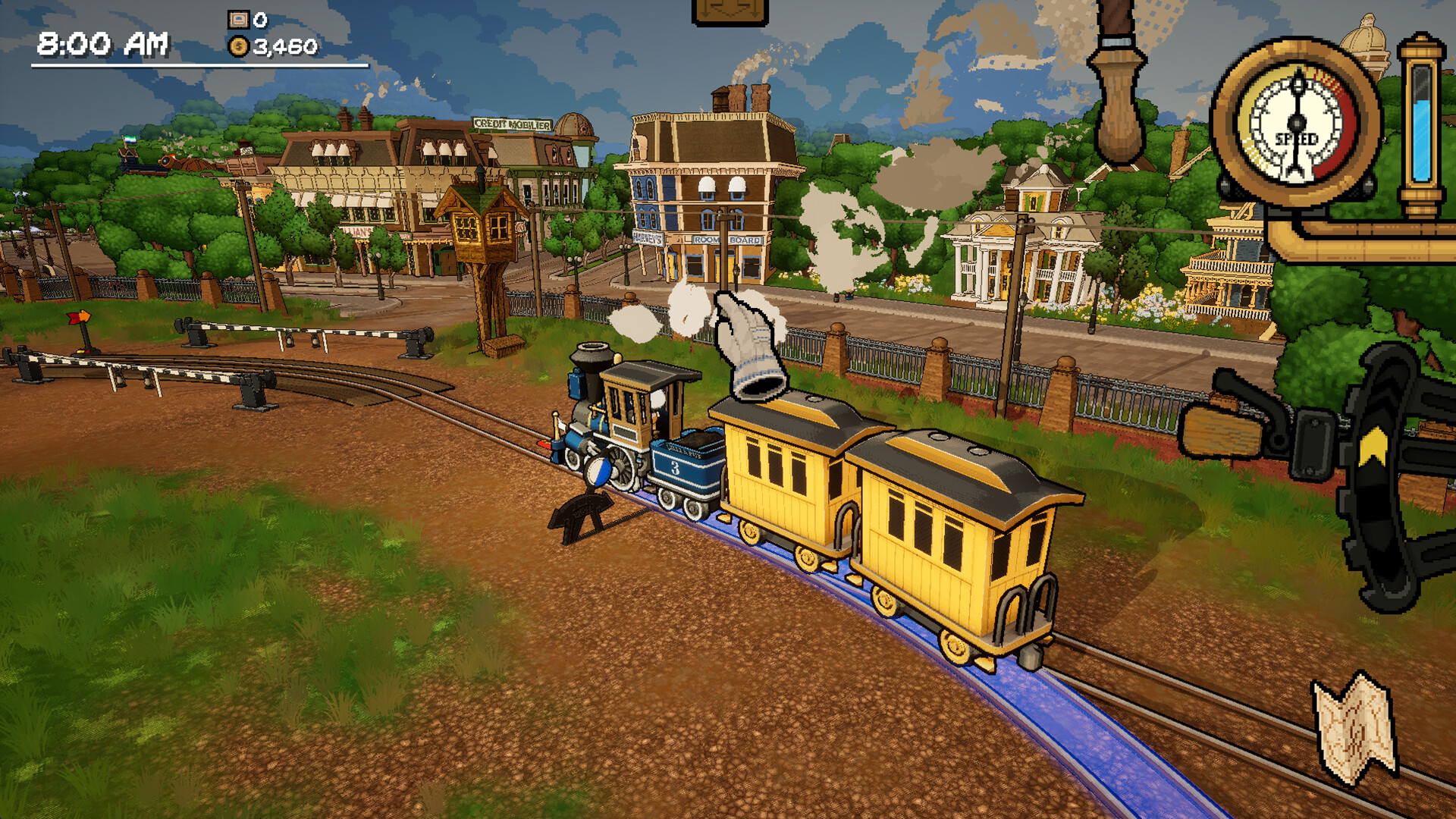
Take a jaunt into the world of A Bumpy Ride, an cozy train-driving and exploration game! Inspired by railroading of the 19th century with a whimsical spin, you’ll adventure around the open frontier in your trusty little train, picking up passengers and freight.
System Requirements
MINIMUM:
- Operating system: Windows 10 64-bit version 1909 revision .1350 or higher, or versions 2004 and 20H2 revision .789 or higher.
- Processor: Quad-core Intel or AMD, 2.5 GHz or faster
- RAM:8 GB of memory
- Graphs: Dedicated Graphics Card Capable of running DirectX12, Intel Integrated Graphics cards not supported.
- DirectX : Version 12
- Disk space:2 GB of available disk space
- Additional notes A Bumpy Ride runs on Unreal Engine 5, which is known to be a heavy game engine for even some desktops. Please verify your ability to play the game by downloading the demo before purchasing!
Game Installation Guide
1) Download the game using a Torrent program or Direct program
2) Extract release
3) Mount ISO with DAEMON Tools if you want
4) Install the game
5) Copy crack from the Crack folder
6) Play!
General Notes:
– Make sure you have Spacewar installed. Windows Key + R and type (steam://install/480).
– It is recommended to turn off your antivirus as some files get detected as false positive.
– In the case of an offline game, you may need to block it with firewall to prevent it from going online.
– Do not block the game with firewall if you are playing an online game with your friends.
– Turn Off your AntiVirus and Block the game’s exe in your firewall to prevent the game from
trying to go online ..
– If you install games to your system drive, it may be necessary
to run this game with admin privileges instead
– If you have a vac ban then you won’t able to play online games, create a new account if the account you gonna use have one of those.
-Need Help!! Join our server.
Download The Game
Important: This is not an official release of the game developer. Please after the test, buy game from the developer for the best experience.