WILL Follow The Light P2P Download

Game Details
♂ After reviewing the game, BUY the game to support the developer
https://store.steampowered.com/app/3144860/
Screenshots
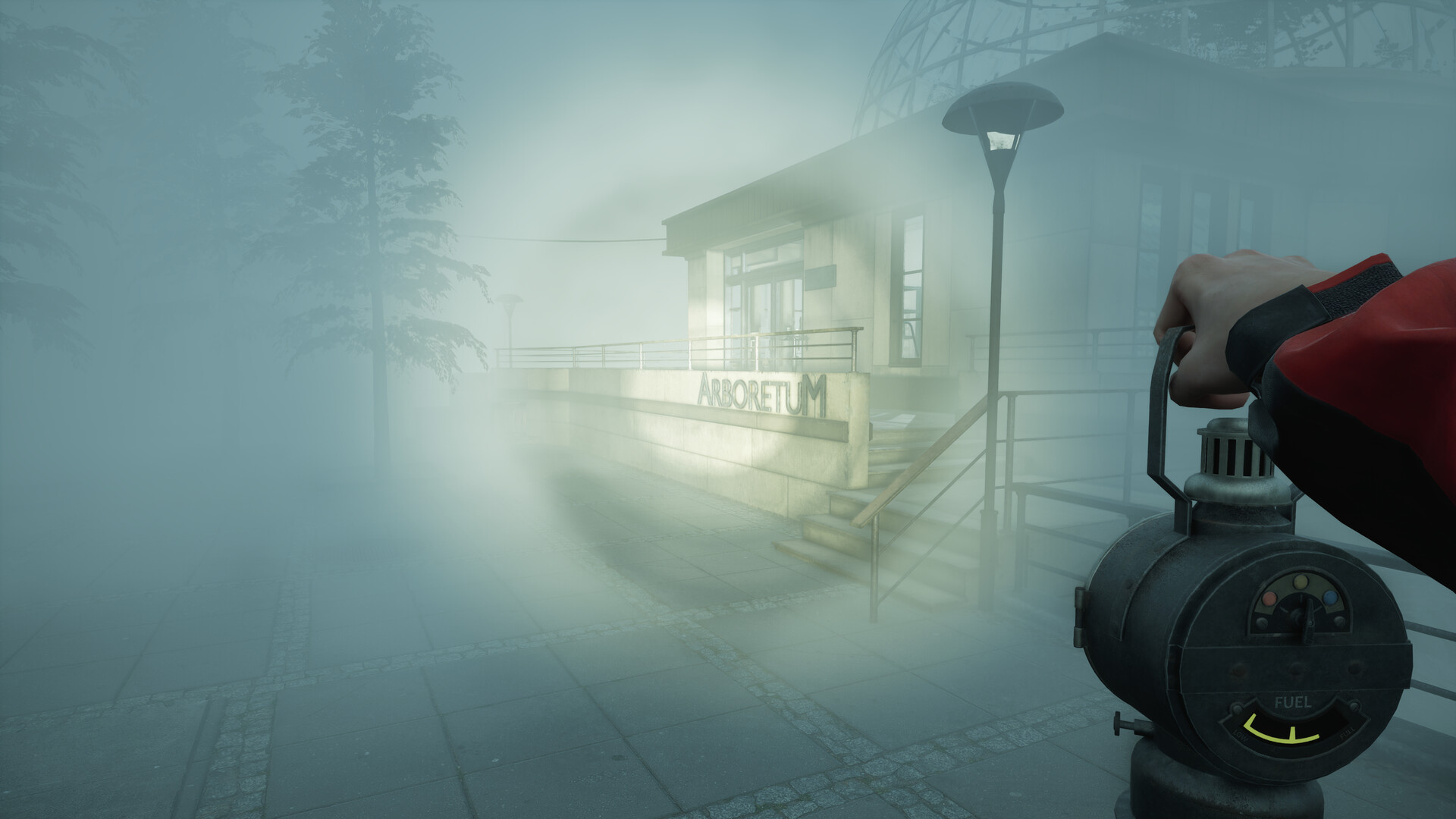
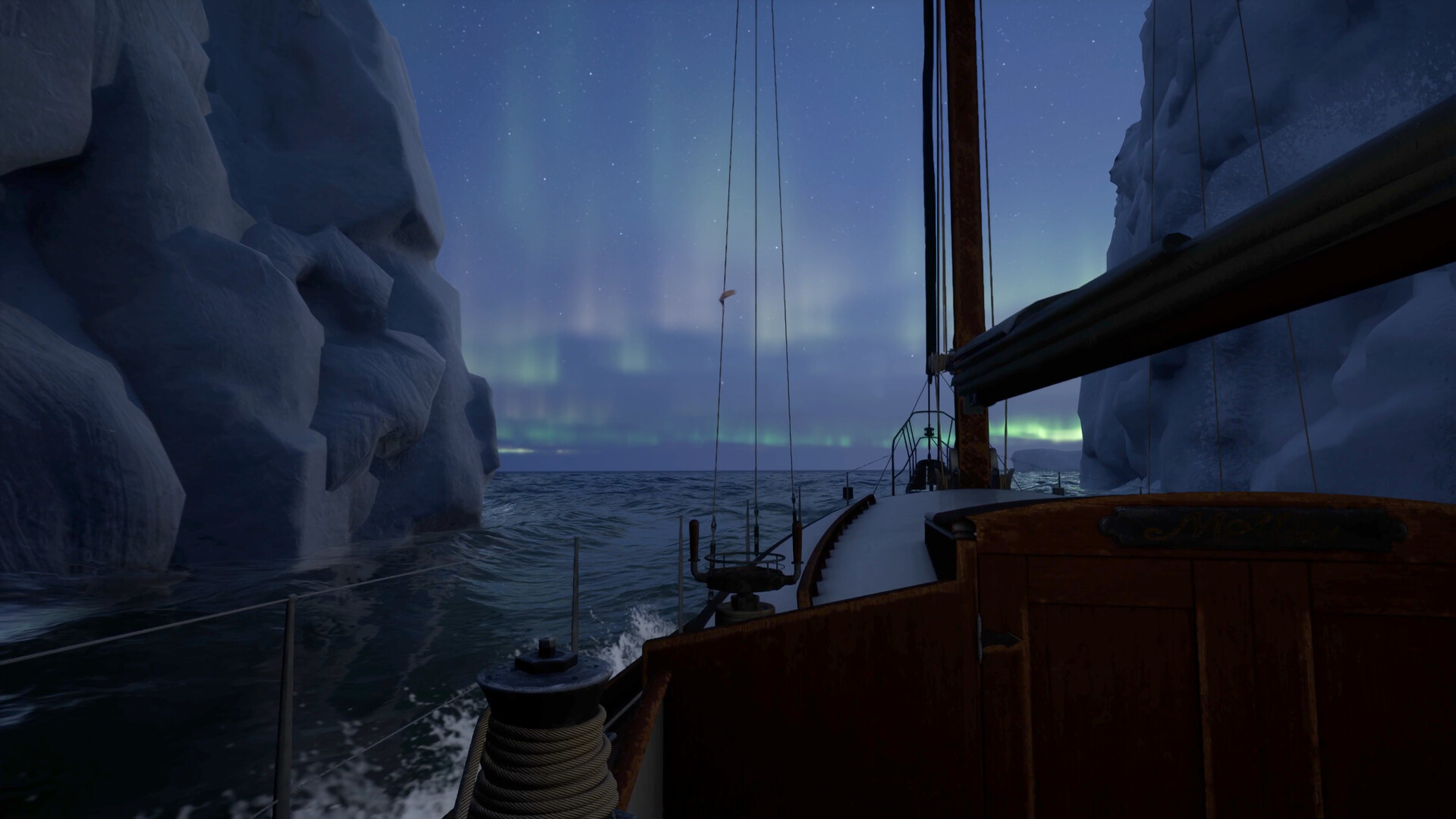 About This Game
Will Follow The Light is a story-focused adventure game set in a remote frozen region where players explore abandoned towns, icy coastlines, and quiet wilderness areas while searching for answers connected to a personal mystery. The game mixes exploration, environmental storytelling, and survival elements to create a slow-paced experience built around atmosphere and discovery.
Players travel through harsh weather conditions, manage limited supplies, solve small puzzles, and interact with scattered characters across the journey. The realistic lighting, detailed environments, and calm soundtrack give the game a cold and isolated feeling that fits its emotional narrative and cinematic style.Embark on a realistic, solo, first-person journey through the harsh northern latitudes, where you navigate endless waters in search of a way to reunite with your loved ones. Will you follow the light?
System Requirements
MINIMUM:
- 64-bit operating system and processor required
- Operating system:Windows 10 64-bit
- Processor:Intel Core i3-8100 or AMD Ryzen 5 2600X
- RAM:8 GB of memory
- Graphs:NVIDIA GeForce GTX 1660 Super or AMD Radeon RX VEGA 56 or Intel Arc A750
- DirectX:Version 12
- Disk space:30 GB of available disk space
Game Installation Guide
1) Download the game using a Torrent program or Direct program
2) Extract the game to your preferred location with WinRar or 7-Zip
3) Wait for the extraction to end
4) No need to install the game, just start with the LAUNCHER of the game as administrator
5) Play!
General Notes:
– Make sure you have Spacewar installed. Windows Key + R and type (steam://install/480).
– It is recommended to turn off your antivirus as some files get detected as false positive.
– In the case of an offline game, you may need to block it with firewall to prevent it from going online.
– Do not block the game with firewall if you are playing an online game with your friends.
– Turn Off your AntiVirus and Block the game’s exe in your firewall to prevent the game from
trying to go online ..
– If you install games to your system drive, it may be necessary
to run this game with admin privileges instead
– If you have a vac ban then you won’t able to play online games, create a new account if the account you gonna use have one of those.
-Need Help!! Join our server