Kristala v1.0.6-P2P Download
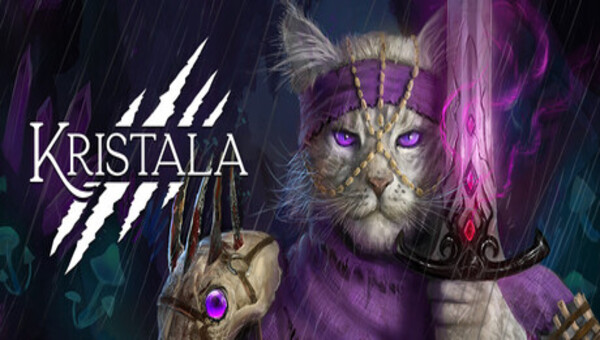
Game Details
♂ After reviewing the game, BUY the game to support the developer
https://store.steampowered.com/app/1206410/
Screenshots

About This Game
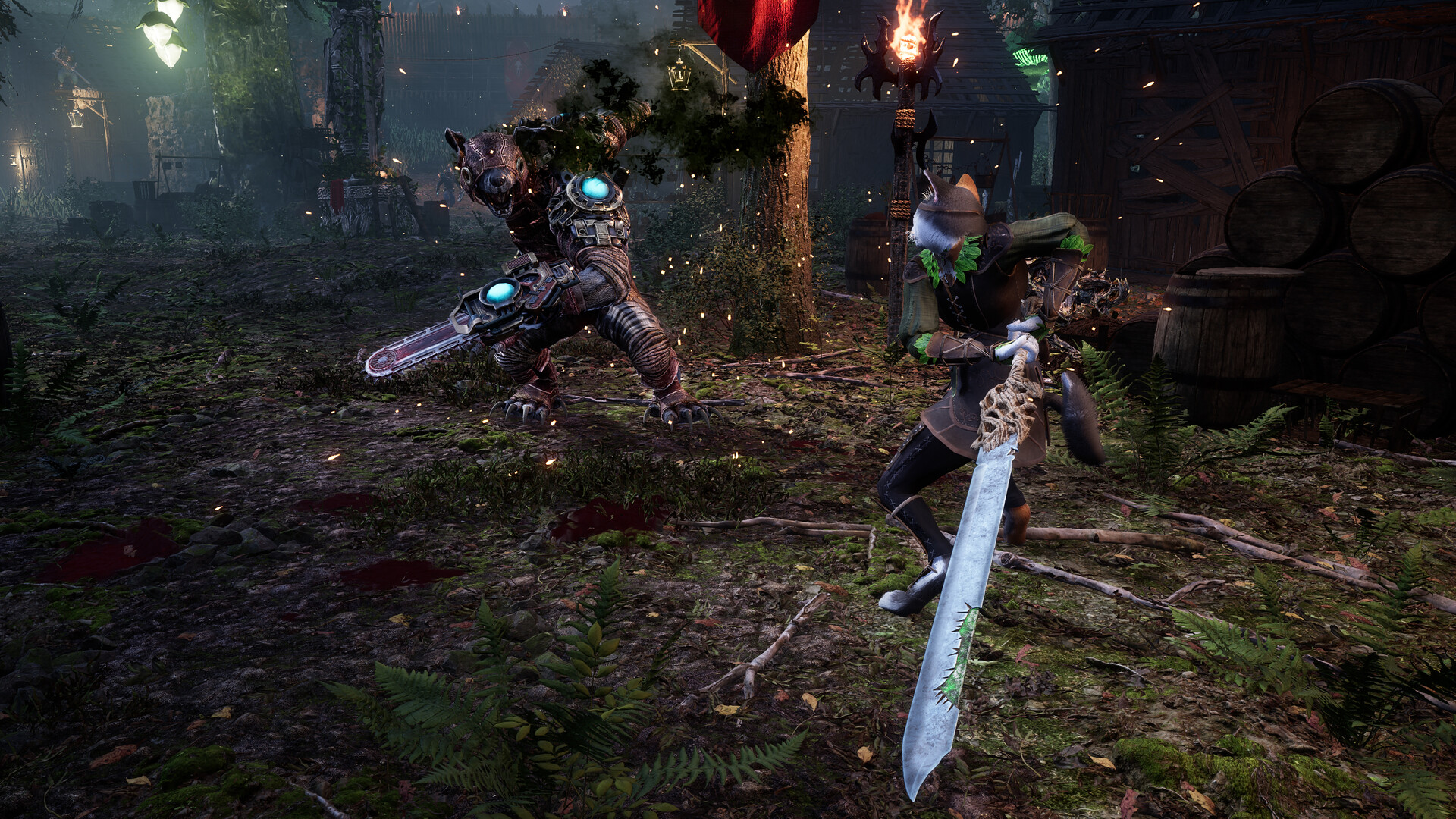
Kristala is a dark fantasy action RPG where players take control of a feline warrior trained in magic and close-range combat while exploring ruined kingdoms, dangerous forests, and enemy-controlled regions. The game focuses on fast melee combat, stealth mechanics, spell casting, and character progression as players uncover secrets connected to corruption spreading across the world.
Players can improve combat abilities, collect equipment, complete quests, and fight powerful enemies through skill-based battles inspired by action-focused RPG gameplay. The world uses dark environments, fantasy lore, and exploration-driven progression to support its story and combat systems.
As a warrior blessed by Kristala’s gift, you must master the six magical specializations of the Kristals to join the ranks of the renowned Raksaka warriors. You will also need to uncover the source of a terrible curse that has transformed the creatures of the planet Ailur into monsters.
System Requirements
MINIMUM:
- Operating system:Requires a 64-bit operating system and processor: Windows® 10, Windows® 11, 64-bit
- Processor:Intel® Core™ i5-8400、AMD Ryzen™ 5 3400G
- RAM:16 GB of memory
- Graphs:GeForce GTX 1650 4GB、Radeon RX 570 4GB
- DirectX:Version 12
- Network :high-speed internet connection
- Disk space:25 GB of available disk space
- Sound card:16-bit stereo, 48kHz WAVE files
- Additional notesSSD recommended
Game Installation Guide
1) Download the game using a Torrent program or Direct program
2) Extract the game to your preferred location with WinRar or 7-Zip
3) Wait for the extraction to end
4) No need to install the game, just start with the LAUNCHER of the game as administrator
5) Play!
General Notes:
– Make sure you have Spacewar installed. Windows Key + R and type (steam://install/480).
– It is recommended to turn off your antivirus as some files get detected as false positive.
– In the case of an offline game, you may need to block it with firewall to prevent it from going online.
– Do not block the game with firewall if you are playing an online game with your friends.
– Turn Off your AntiVirus and Block the game’s exe in your firewall to prevent the game from
trying to go online ..
– If you install games to your system drive, it may be necessary
to run this game with admin privileges instead
– If you have a vac ban then you won’t able to play online games, create a new account if the account you gonna use have one of those.
-Need Help!! Join our server