Air Defender Build 22806726 Download
Game Details
- Mostly Positive (111)
♂ After reviewing the game, BUY the game to support the developer
https://store.steampowered.com/app/3985030
Screenshots

About This Game
Air Defender is an aerial combat and defense simulation game where players pilot military aircraft and protect strategic locations from incoming enemy attacks. Players engage hostile jets, missiles, drones, and large air assaults while completing combat missions across different environments using fighter aircraft and advanced weapon systems.
Build 22806726 includes gameplay updates, fixes, and performance improvements. The game focuses on fast air combat, mission-based progression, aircraft upgrades, and defensive strategy while offering different combat scenarios, aerial dogfights, and large-scale battlefield encounters.
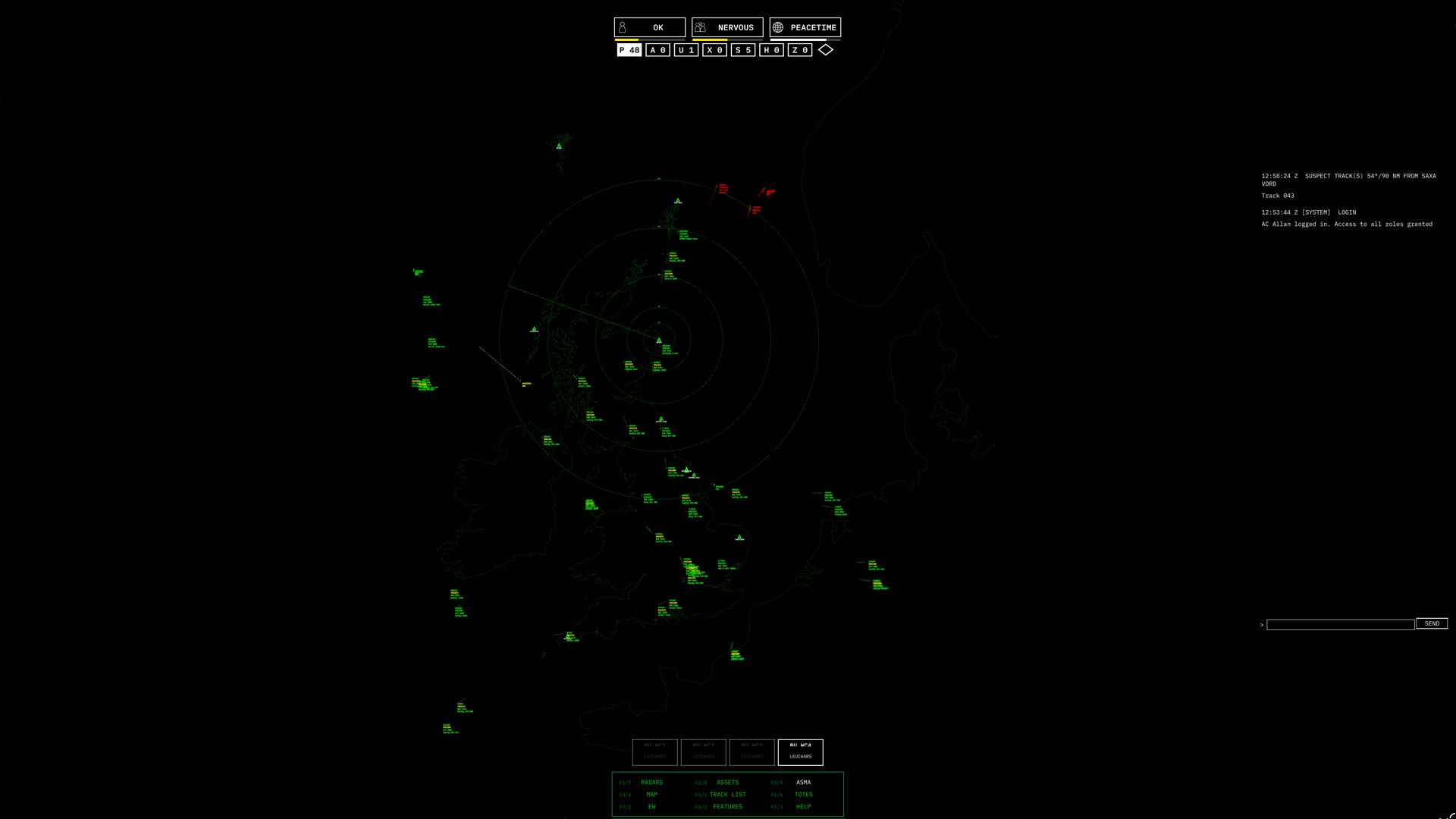
Command the sky in a tense real-time strategy simulation where you manage a nation’s air defenses. Analyze radar contacts, scramble interceptor jets, and make split-second decisions to protect your airspace from hostile threats.
System Requirements
MINIMUM:
- OS: Windows 10 (64-bit)
- Processor: 4‑core CPU, e.g., Intel Core i3‑6100 / i5‑4570 or AMD Ryzen 3 1200
- Memory: 8 GB RAM
- Graphics: DirectX 11–compatible GPU with 1 GB VRAM (e.g., Intel HD 4000+, NVIDIA GTX 600 series+, AMD HD 7000 series+)
- DirectX: Version 11
- Storage: 1 GB available space
Game Installation Guide
1) Download the game using a Torrent program or Direct program
2) Extract the game to your preferred location with WinRar or 7-Zip
3) Wait for the extraction to end
4) No need to install the game, just start with the LAUNCHER of the game as administrator
5) Play!
General Notes:
– Make sure you have Spacewar installed. Windows Key + R and type (steam://install/480).
– It is recommended to turn off your antivirus as some files get detected as false positive.
– In the case of an offline game, you may need to block it with firewall to prevent it from going online.
– Do not block the game with firewall if you are playing an online game with your friends.
– Turn Off your AntiVirus and Block the game’s exe in your firewall to prevent the game from
trying to go online ..
– If you install games to your system drive, it may be necessary
to run this game with admin privileges instead
– If you have a vac ban then you won’t able to play online games, create a new account if the account you gonna use have one of those.
-Need Help!! Join our server
Download The Game
Important: This is not an official release of the game developer. Please after the test, buy game from the developer for the best experience.