


Game Details
- Very Positive (187)
♂ After reviewing the game, BUY the game to support the developer
https://store.steampowered.com/app/3622640
Screenshots
About This Game
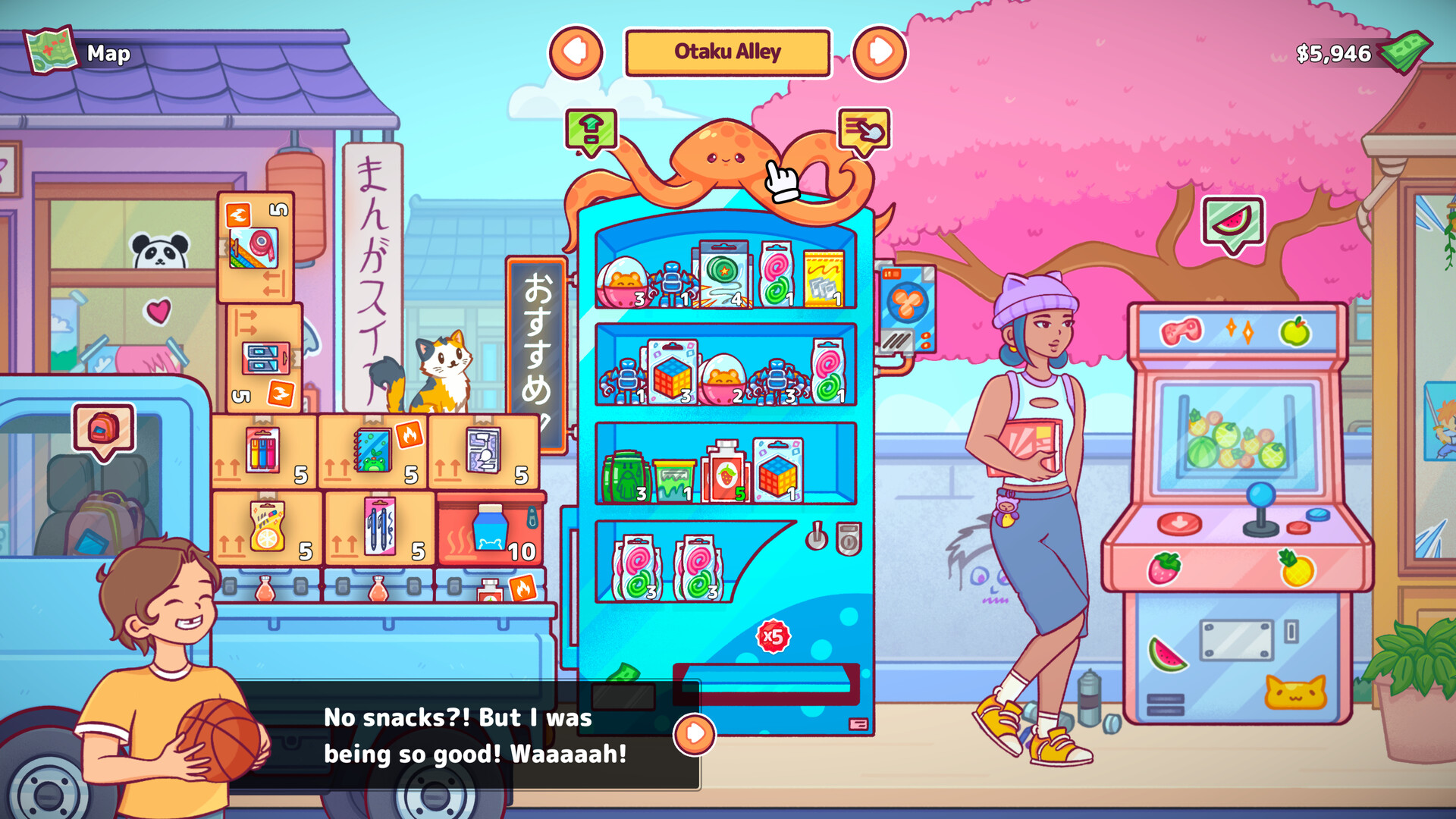
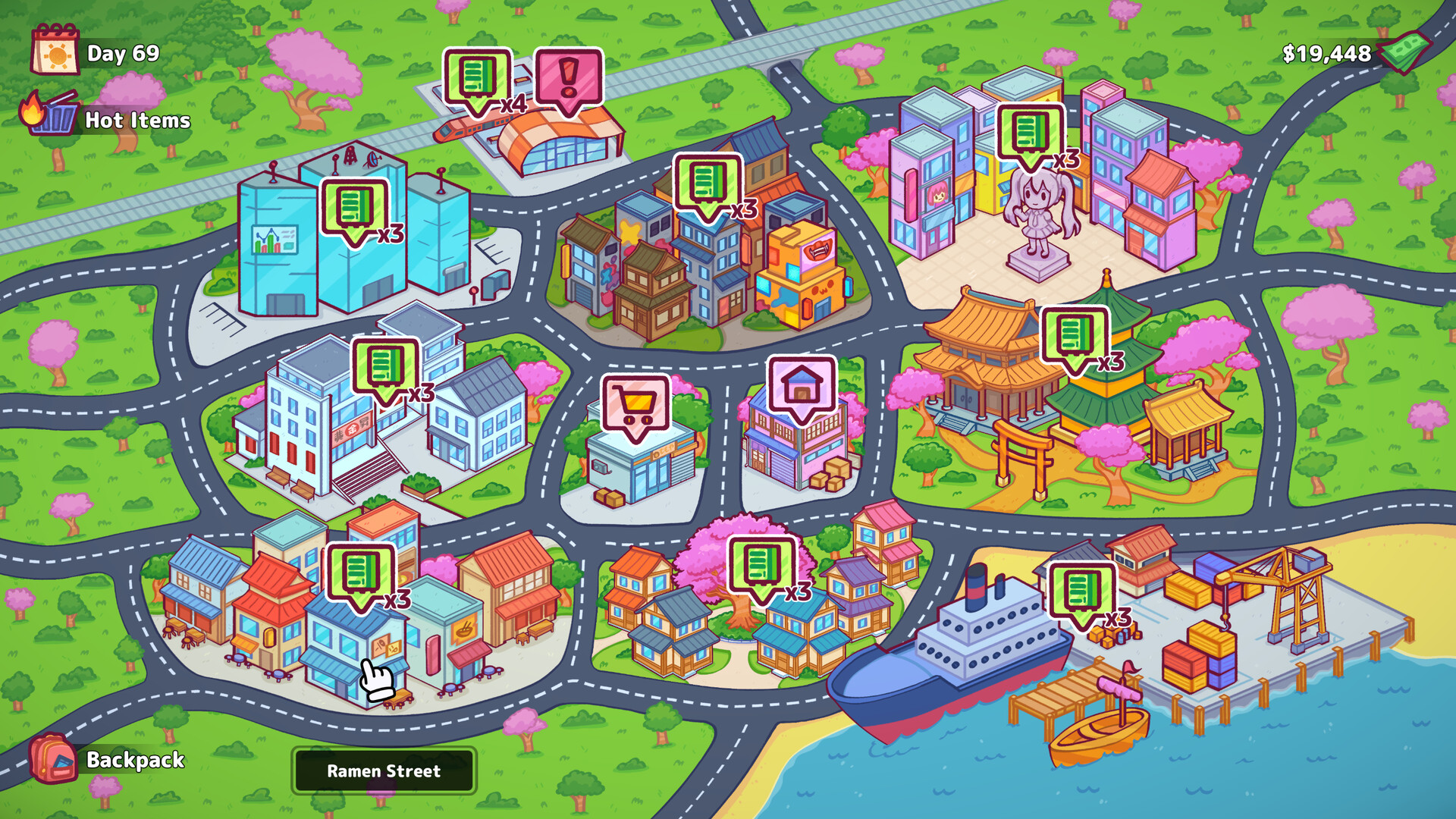
Vending Machine is a business simulation game where players build and manage a vending machine company across different locations, stores, offices, and public areas. Players choose products, restock machines, track profits, and expand operations while handling customer demand and business expenses.
Version 1.0.6 includes gameplay updates, fixes, and performance improvements. The game focuses on business growth, inventory management, location strategy, and automation systems while allowing players to unlock better machines, improve efficiency, and increase company revenue over time.
Run your kawaii vending machine company! A relaxing sim where you manage, restock, and repair your vending machines across a charming Japanese city. Pick neighborhoods, stock up on snacks, set the perfect price, upgrade your machines. Enjoy lots of fun minigames along the way.
System Requirements
MINIMUM:
- Requires a 64-bit processor and operating system
- OS *: Windows 7 or layer
- Processor: Intel Pentium CPU G860
- Memory: 1 GB RAM
- Graphics: NVIDIA GeForce 840M
- Storage: 1 GB available space
- Additional Notes: 64 Bit Only
Game Installation Guide
1) Download the game using a Torrent program or Direct program
2) Extract the game to your preferred location with WinRar or 7-Zip
3) Wait for the extraction to end
4) No need to install the game, just start with the LAUNCHER of the game as administrator
5) Play!
General Notes:
– Make sure you have Spacewar installed. Windows Key + R and type (steam://install/480).
– It is recommended to turn off your antivirus as some files get detected as false positive.
– In the case of an offline game, you may need to block it with firewall to prevent it from going online.
– Do not block the game with firewall if you are playing an online game with your friends.
– Turn Off your AntiVirus and Block the game’s exe in your firewall to prevent the game from
trying to go online ..
– If you install games to your system drive, it may be necessary
to run this game with admin privileges instead
– If you have a vac ban then you won’t able to play online games, create a new account if the account you gonna use have one of those.
-Need Help!! Join our server
Download The Game
Important: This is not an official release of the game developer. Please after the test, buy game from the developer for the best experience.


