Farever Download

Game Details
♂ After reviewing the game, BUY the game to support the developer
https://store.steampowered.com/app/3672400/
Screenshots
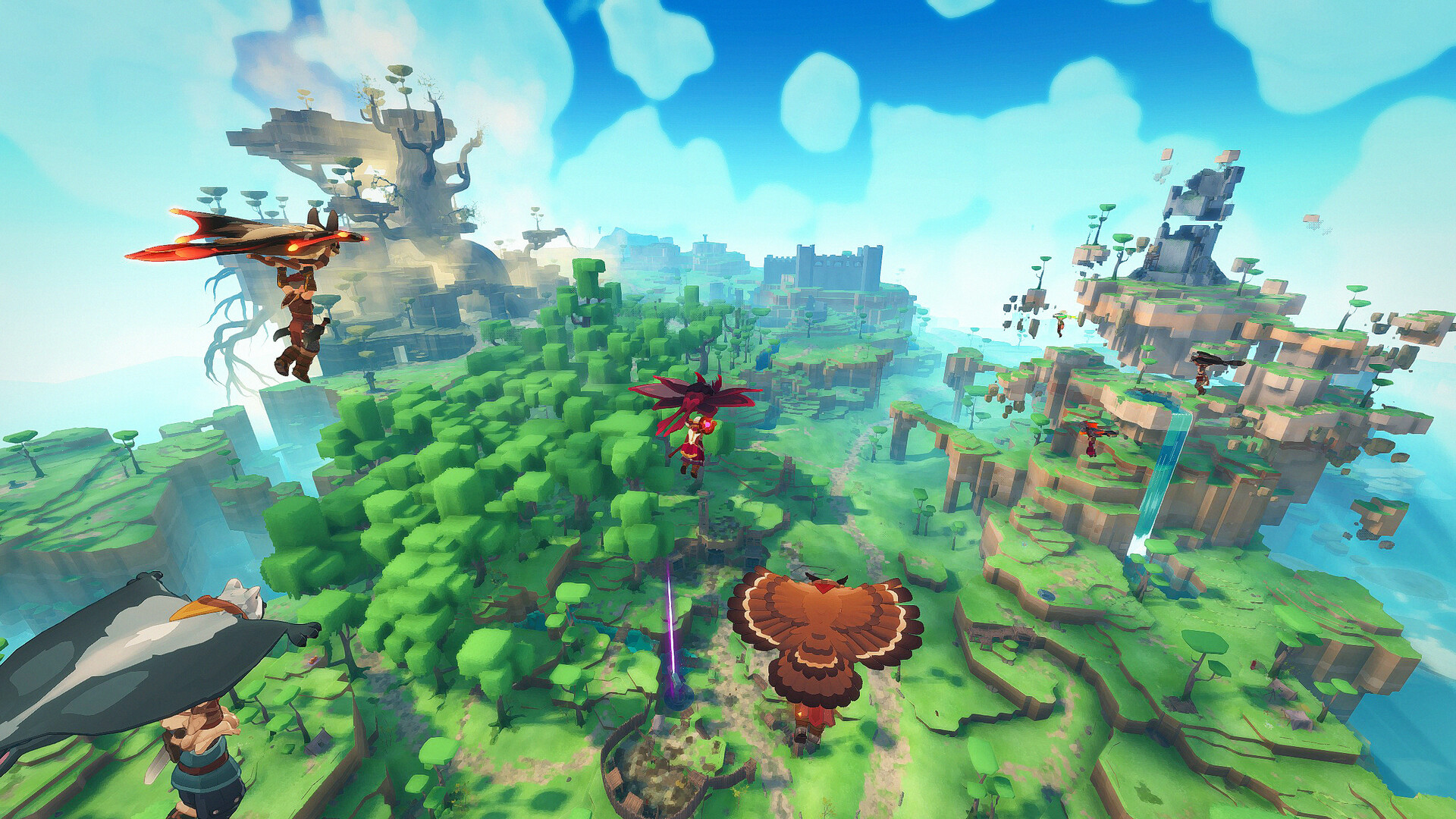
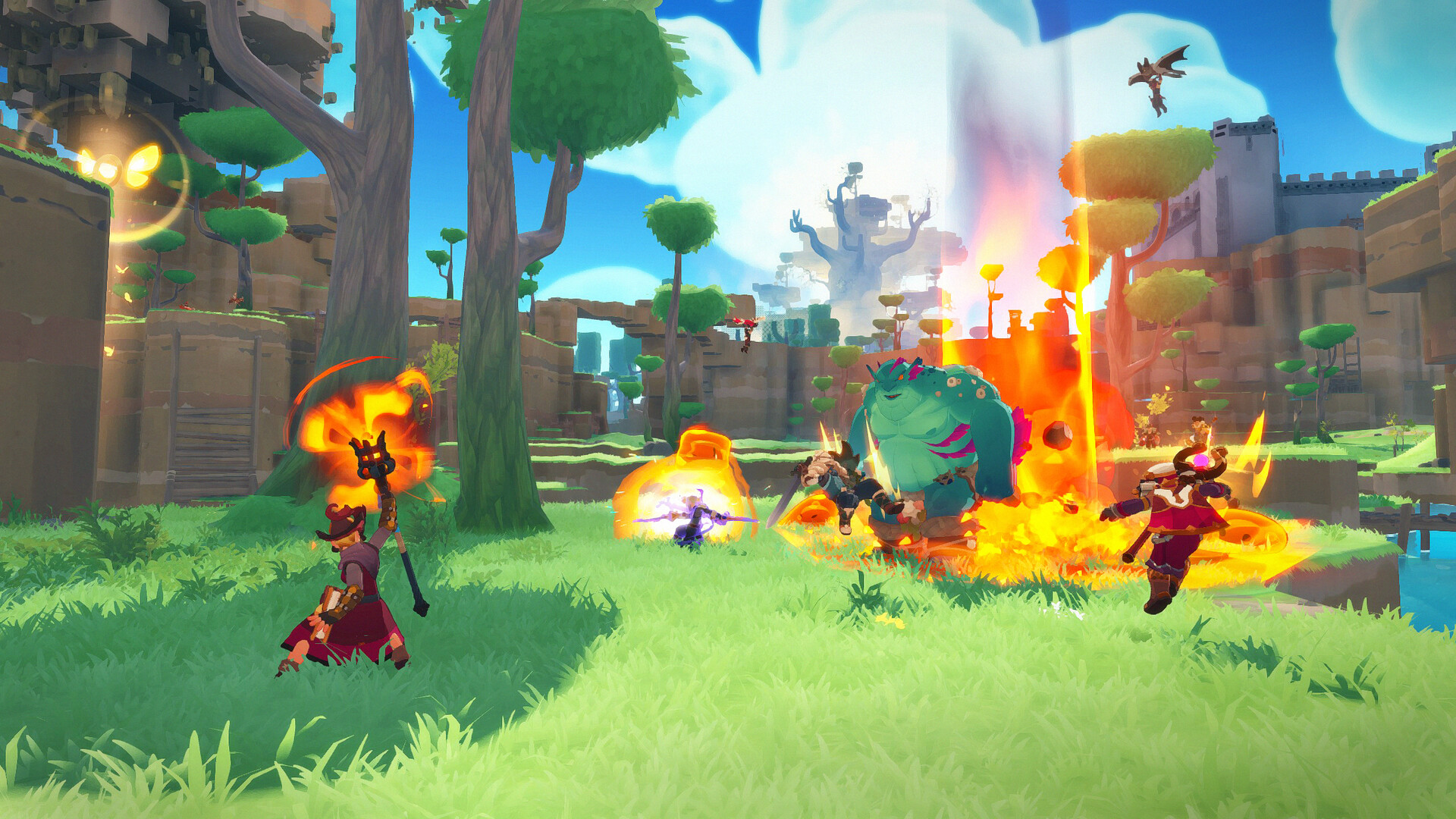
About This Game
Farever is a story-driven adventure game that follows a group of characters moving through a strange world shaped by memories, loss, and personal choices. Players explore different locations, interact with important story events, and uncover details about the world through conversations, exploration, and environmental clues.
The game focuses on emotional storytelling, cinematic scenes, and exploration-based gameplay with light puzzle elements. Its visual style, soundtrack, and slower pacing create a calm atmosphere that supports the narrative and character development throughout the journey.Forge your legend in a forgotten kingdom! Farever is an online multiplayer action RPG set in a vast open fantasy world. Alone or with friends, embark on an epic adventure! Explore lands and dungeons, craft powerful equipment, and carve your own path through combat and platforming.
System Requirements
MINIMUM:
- 64-bit operating system and processor required
- Operating system:Windows 10 64-bit
- Processor:Intel i7 6700K or AMD Ryzen 5 5500
- RAM:16 GB of memory
- Graphs:Geforce 3060 or AMD Radeon RX 5600 XT
- Disk space:25 GB of available disk space
- Additional notes1080@30fps
Game Installation Guide
1) Download the game using a Torrent program or Direct program
2) Extract the game to your preferred location with WinRar or 7-Zip
3) Wait for the extraction to end
4) No need to install the game, just start with the LAUNCHER of the game as administrator
5) Play!
General Notes:
– Make sure you have Spacewar installed. Windows Key + R and type (steam://install/480).
– It is recommended to turn off your antivirus as some files get detected as false positive.
– In the case of an offline game, you may need to block it with firewall to prevent it from going online.
– Do not block the game with firewall if you are playing an online game with your friends.
– Turn Off your AntiVirus and Block the game’s exe in your firewall to prevent the game from
trying to go online ..
– If you install games to your system drive, it may be necessary
to run this game with admin privileges instead
– If you have a vac ban then you won’t able to play online games, create a new account if the account you gonna use have one of those.
-Need Help!! Join our server