Goblin Vyke The Thief Tycoon-P2P Download

Game Details
♂ After reviewing the game, BUY the game to support the developer
https://store.steampowered.com/app/3794610/
Screenshots

About This Game
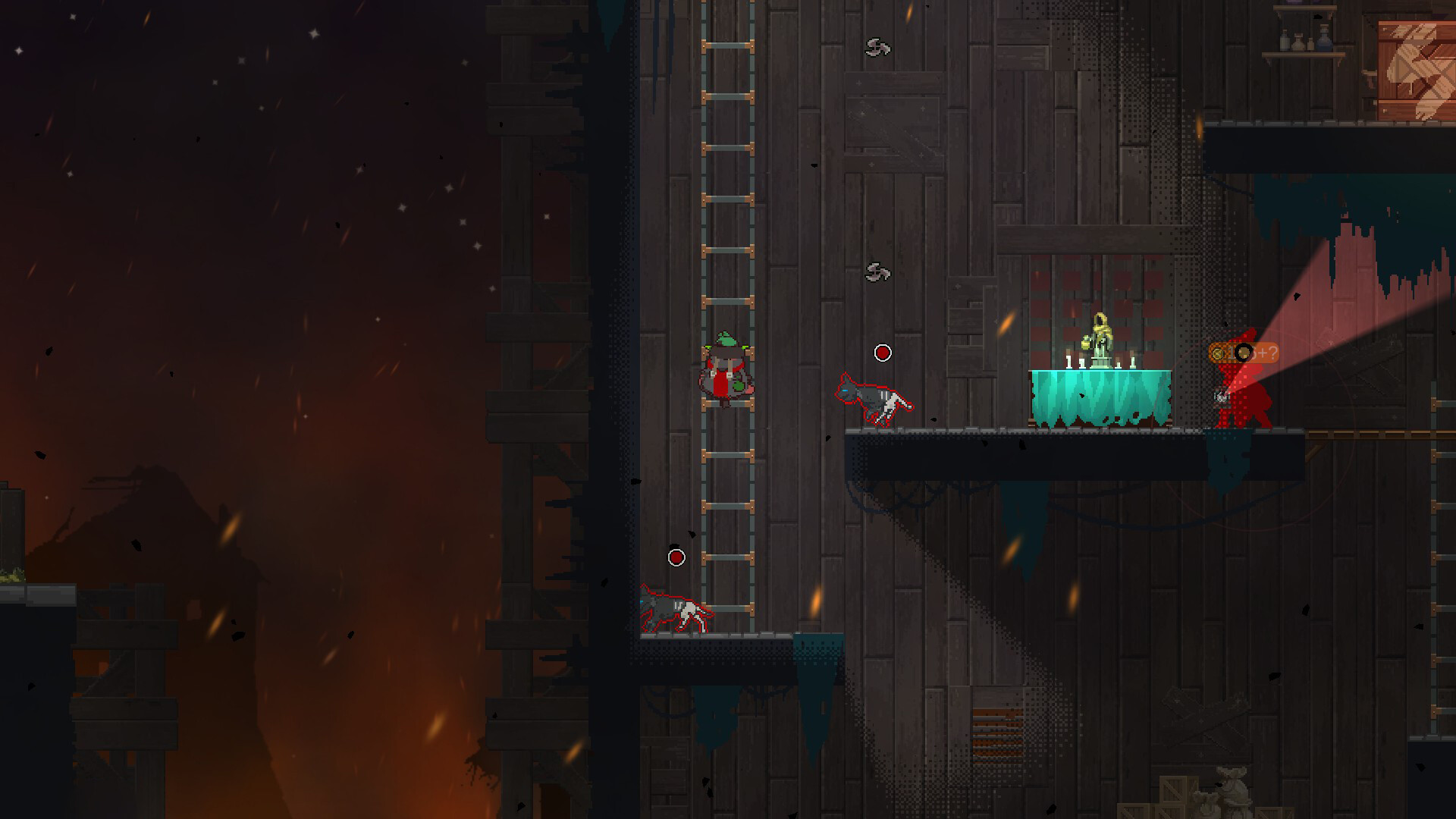
Goblin Vyke The Thief Tycoon is a fantasy management and stealth game where players control a goblin thief building a criminal operation across towns, markets, and guarded locations. Players steal valuables, recruit crew members, upgrade hideouts, and expand underground activities while avoiding guards and rival groups.
The P2P release includes the latest version with updated gameplay content and fixes. The game combines stealth mechanics, resource management, character upgrades, and tycoon-style progression with fantasy environments, humor-focused interactions, and mission-based objectives.
At night, you’re a thief, sneaking into dungeons to steal goods. By day, you’re a cunning merchant, haggle to sell at high prices. Master the art of stealth, steal the Demon Lord’s hidden treasures. Recruit employees, expand your business. Grow from a penniless goblin to a black market tycoon!
System Requirements
MINIMUM:
- Operating system *: Windows 7 64 bit
- Processor: Intel Core i3 Dual Core
- RAM:8 GB of memory
- Graphs: NVIDIA Geforce GTs 450 /AMD Radeon HD5570
- DirectX : Version 11
- Disk space:1 GB of available disk space
- Sound card: Windows Compatible Audio Device
Game Installation Guide
1) Download the game using a Torrent program or Direct program
2) Extract the game to your preferred location with WinRar or 7-Zip
3) Wait for the extraction to end
4) No need to install the game, just start with the LAUNCHER of the game as administrator
5) Play!
General Notes:
– Make sure you have Spacewar installed. Windows Key + R and type (steam://install/480).
– It is recommended to turn off your antivirus as some files get detected as false positive.
– In the case of an offline game, you may need to block it with firewall to prevent it from going online.
– Do not block the game with firewall if you are playing an online game with your friends.
– Turn Off your AntiVirus and Block the game’s exe in your firewall to prevent the game from
trying to go online ..
– If you install games to your system drive, it may be necessary
to run this game with admin privileges instead
– If you have a vac ban then you won’t able to play online games, create a new account if the account you gonna use have one of those.
-Need Help!! Join our server