Responding Build 22673366 Download
Game Details
- Mixed (290)
♂ After reviewing the game, BUY the game to support the developer
https://store.steampowered.com/app/2658040
Screenshots
About This Game
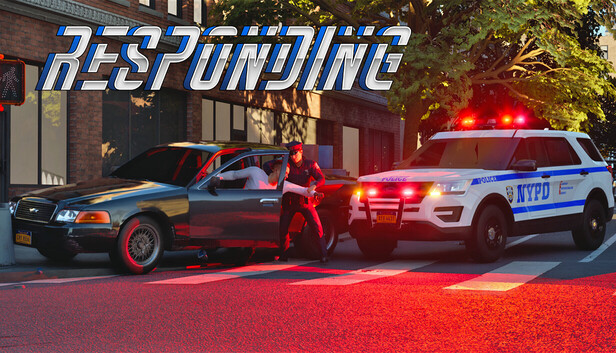
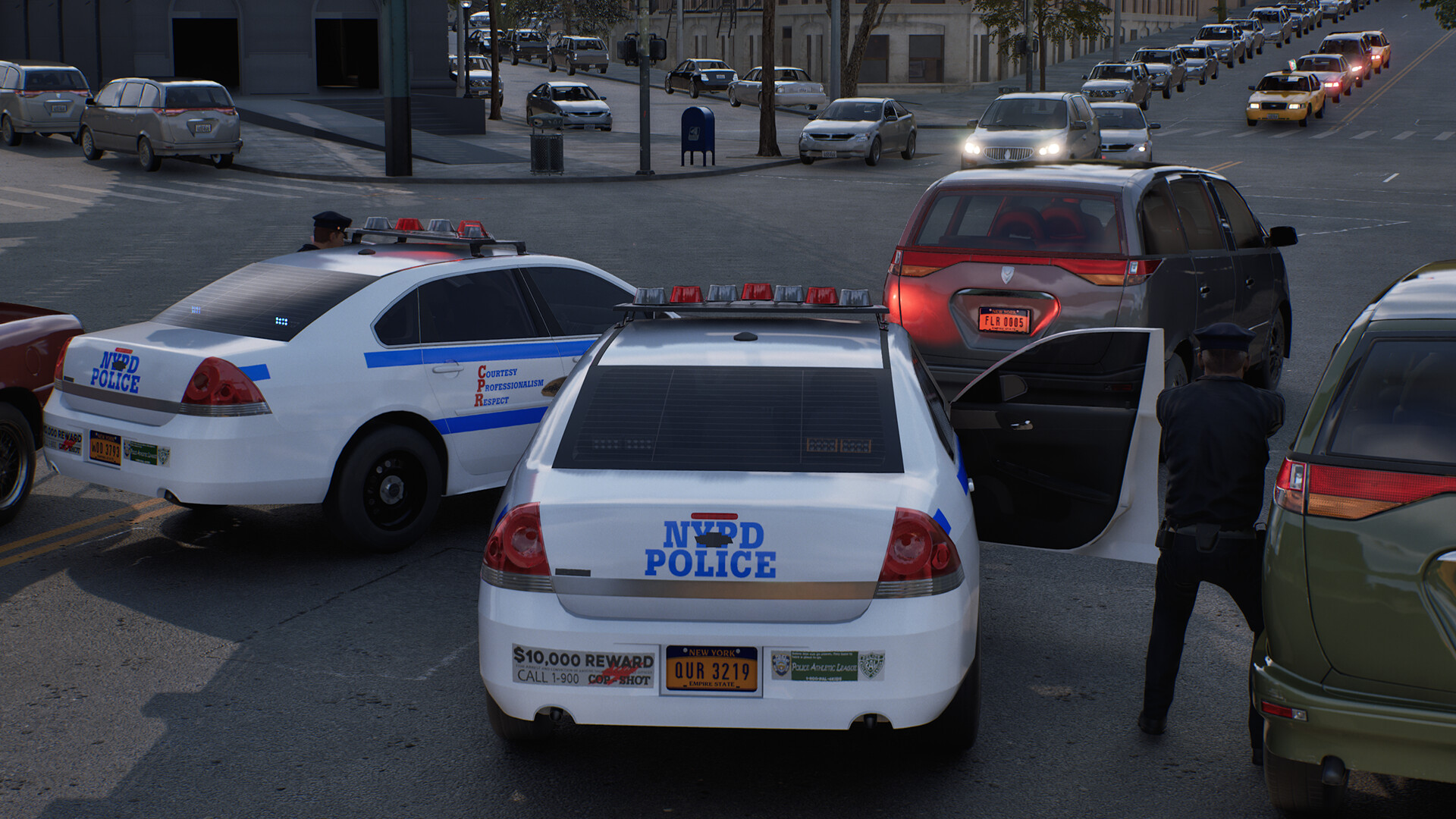
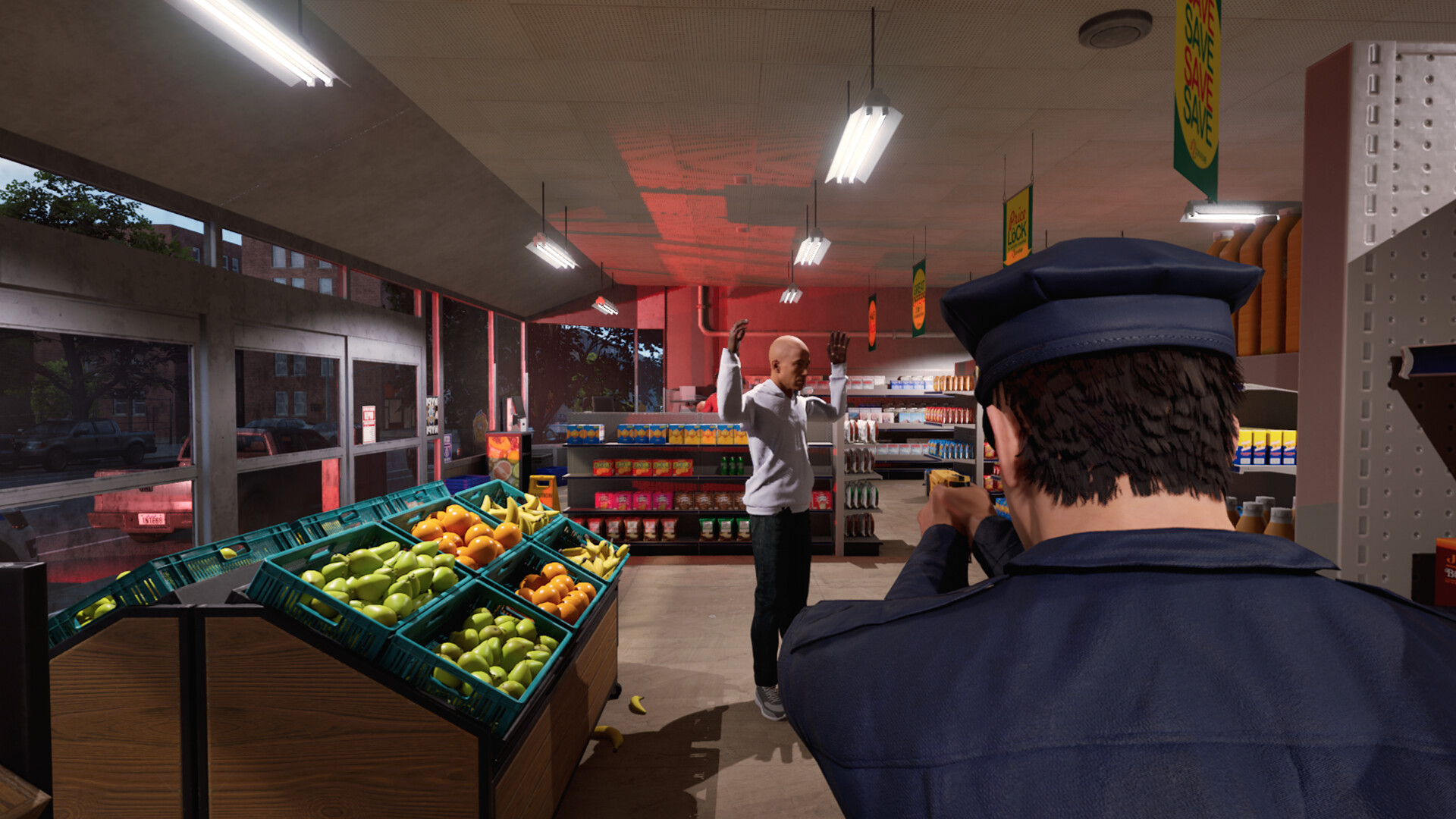
Responding is an emergency response simulation game where players take control of police, fire, and medical units during active incidents across city environments. Players answer emergency calls, manage response teams, secure dangerous situations, and coordinate rescue operations while dealing with traffic, accidents, fires, and public safety threats.
Build 22673366 includes gameplay updates, fixes, and performance improvements. The game focuses on realistic emergency procedures, resource management, tactical decision-making, and mission-based scenarios while allowing players to operate different emergency vehicles and handle unpredictable situations across detailed urban locations.
Responding is an upcoming open-world Emergency Services simulator sandbox that offers a realistic and in-depth Police, Fire, and EMS experience that is set in a fictional version of New York State.
System Requirements
MINIMUM:
- Requires a 64-bit processor and operating system
- OS: Windows 10 64-bit version 1909 revision 1350 or higher, or versions 2004 and 20H2 revision 789 or higher
- Processor: Quad-core Intel or AMD, 2.5 GHz or better
- Memory: 8 GB RAM
- Graphics: Nvidia RTX 2060, AMD Radeon RX 5600 XT 6GB, Intel Arc A380
- DirectX: Version 12
- Storage: 16 GB available space
Game Installation Guide
1) Download the game using a Torrent program or Direct program
2) Extract the game to your preferred location with WinRar or 7-Zip
3) Wait for the extraction to end
4) No need to install the game, just start with the LAUNCHER of the game as administrator
5) Play!
General Notes:
– Make sure you have Spacewar installed. Windows Key + R and type (steam://install/480).
– It is recommended to turn off your antivirus as some files get detected as false positive.
– In the case of an offline game, you may need to block it with firewall to prevent it from going online.
– Do not block the game with firewall if you are playing an online game with your friends.
– Turn Off your AntiVirus and Block the game’s exe in your firewall to prevent the game from
trying to go online ..
– If you install games to your system drive, it may be necessary
to run this game with admin privileges instead
– If you have a vac ban then you won’t able to play online games, create a new account if the account you gonna use have one of those.
-Need Help!! Join our server
Download The Game
Important: This is not an official release of the game developer. Please after the test, buy game from the developer for the best experience.
Part 1 to 4 [4 GB]