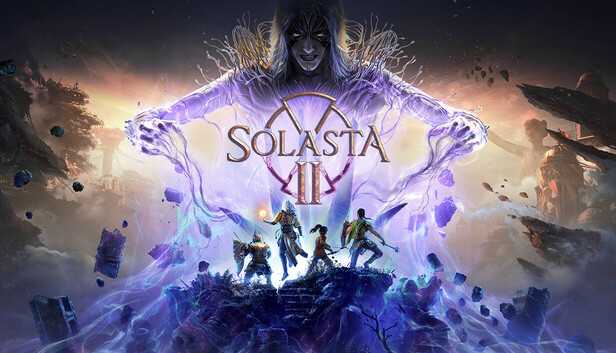
Solasta II v0.3.5.84223 Early Access Download
Game Details
- Mostly Positive (1,328)
♂ After reviewing the game, BUY the game to support the developer
https://store.steampowered.com/app/2975950/Solasta_II
Screenshots

About This Game
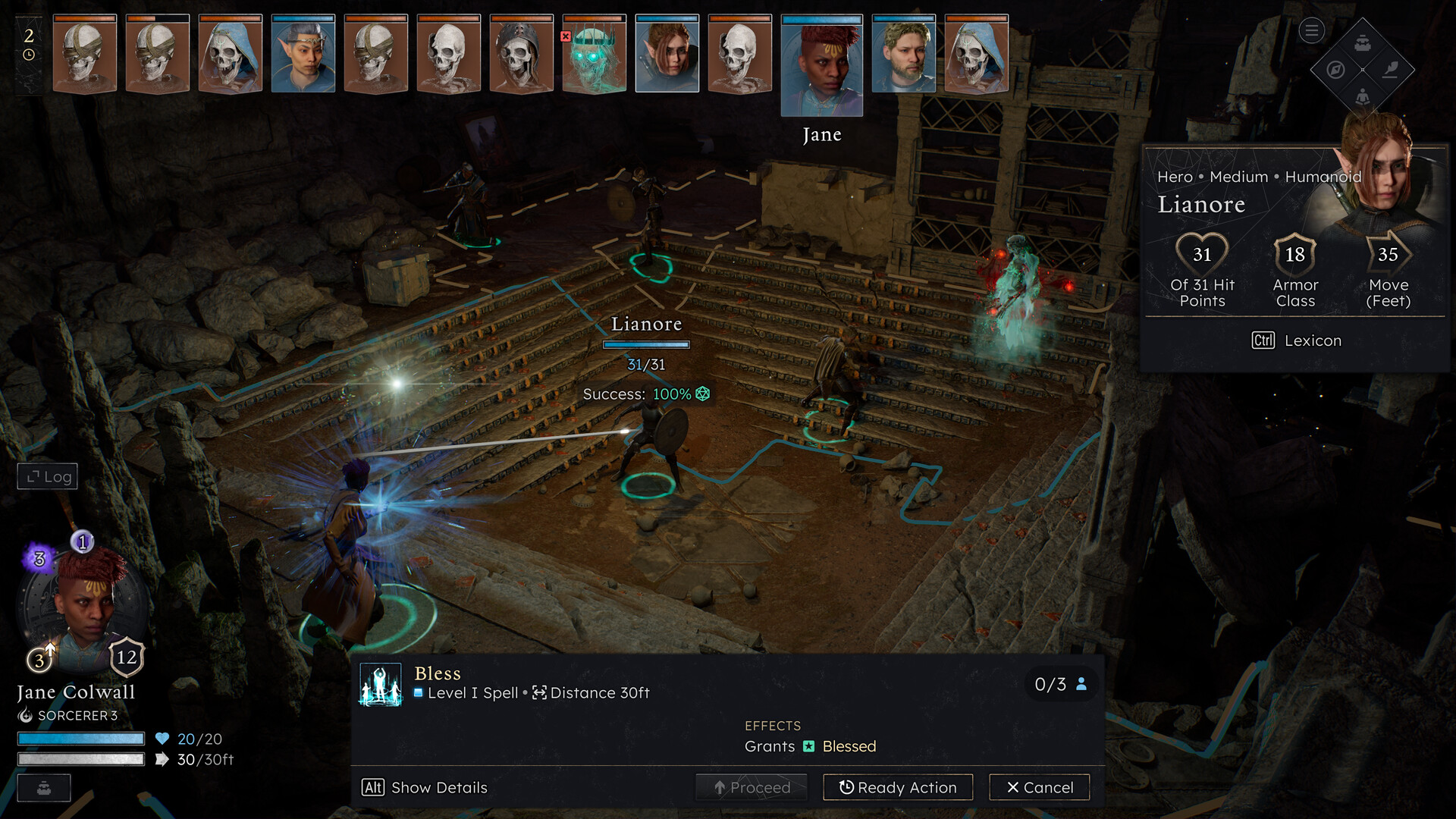
Solasta II is a party-based fantasy RPG built around tactical turn-based combat, character progression, and story-driven exploration inspired by tabletop role-playing systems. Players create a team of adventurers, travel through dangerous regions, complete quests, and battle enemies using strategic positioning, spells, weapons, and class abilities across detailed fantasy environments.
Version 0.3.5.84223 Early Access includes updated gameplay systems, new content, fixes, and ongoing development features. The game focuses on tactical combat, dialogue choices, cooperative gameplay, and deep character customization while allowing players to build parties with different races, classes, and combat strategies during long campaign adventures.
In a Mana-infused land, a dark force led by the enigmatic Shadwyn threatens Neokos. Bring your party of adventurers together across perilous realms in this Turn-Based Tactical RPG based on the SRD 5.2 ruleset. You make the choices, dice decide your destiny.
System Requirements
MINIMUM:
- Requires a 64-bit processor and operating system
- OS: Windows 10 64-bit
- Processor: Intel Core i7-8700K / AMD Ryzen 5 2600X
- Memory: 16 GB RAM
- Graphics: NVIDIA GeForce GTX 1070 8 GB / AMD Radeon 5700 8 GB
- DirectX: Version 12
- Storage: 40 GB available space
- Additional Notes: SSD required
Game Installation Guide
1) Download the game using a Torrent program or Direct program
2) Extract the game to your preferred location with WinRar or 7-Zip
3) Wait for the extraction to end
4) No need to install the game, just start with the LAUNCHER of the game as administrator
5) Play!
General Notes:
– Make sure you have Spacewar installed. Windows Key + R and type (steam://install/480).
– It is recommended to turn off your antivirus as some files get detected as false positive.
– In the case of an offline game, you may need to block it with firewall to prevent it from going online.
– Do not block the game with firewall if you are playing an online game with your friends.
– Turn Off your AntiVirus and Block the game’s exe in your firewall to prevent the game from
trying to go online ..
– If you install games to your system drive, it may be necessary
to run this game with admin privileges instead
– If you have a vac ban then you won’t able to play online games, create a new account if the account you gonna use have one of those.
-Need Help!! Join our server
Download The Game
Important: This is not an official release of the game developer. Please after the test, buy game from the developer for the best experience.
Part 1 to 7 [4 GB]