Laundry Simulator 2026 HotFix v0.1.2 Download

Game Details
♂ After reviewing the game, BUY the game to support the developer
https://store.steampowered.com/app/3144450/
Screenshots

 About This Game
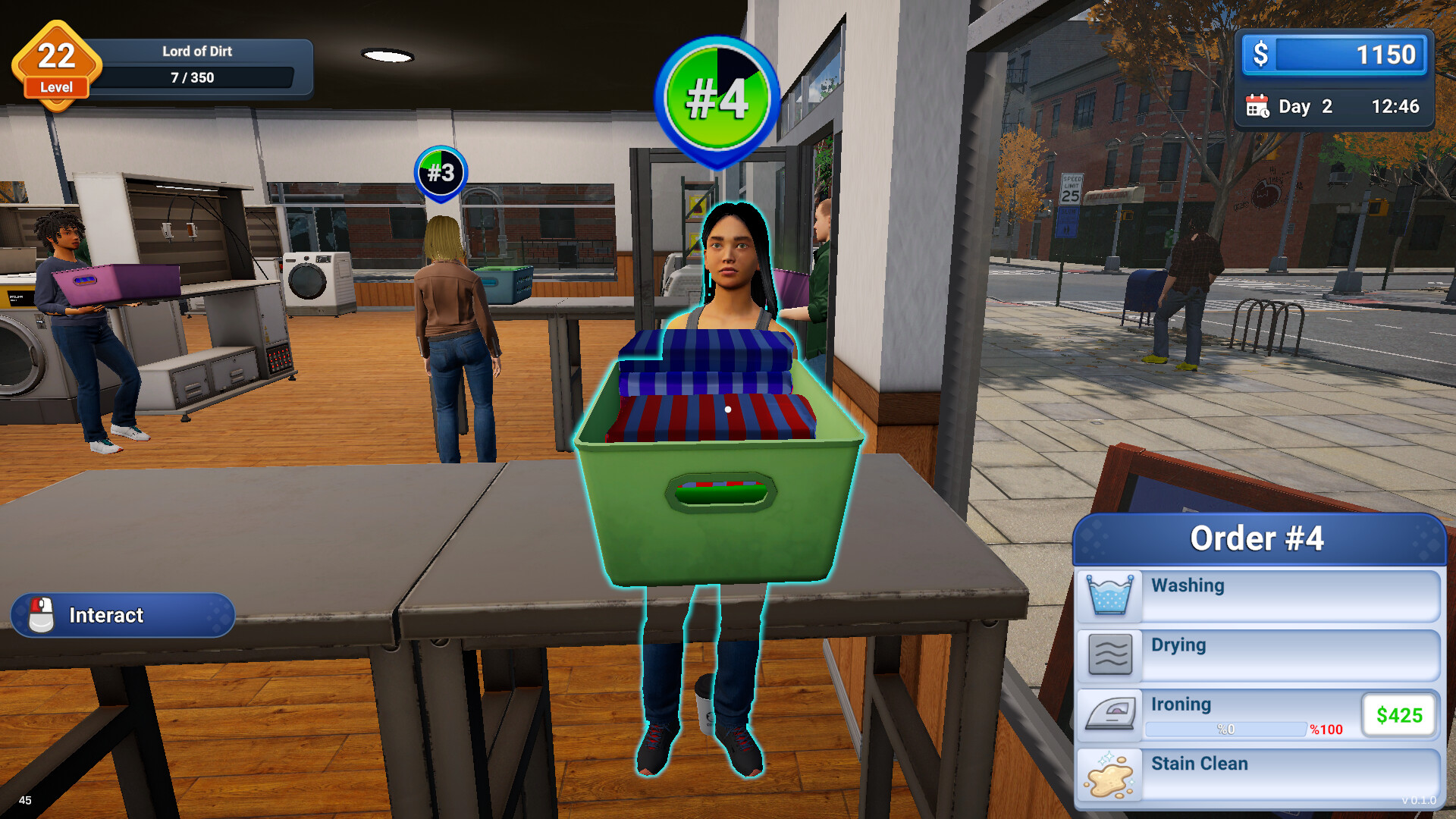
Laundry Simulator 2026 is a business management simulation game where players run and expand their own laundry service by handling customer orders, upgrading equipment, and managing daily operations. Players wash clothes, organize workstations, maintain machines, and improve service quality while balancing expenses and customer satisfaction.
HotFix v0.1.2 includes gameplay fixes, stability improvements, and updated systems for smoother business management. The game focuses on time management, shop customization, equipment upgrades, and long-term business growth while allowing players to automate tasks and expand their laundry operation across larger locations.
Laundry Simulator is a laundry and ASMR shop management game. Open your own laundromat and take care of dirty clothes and customers. Clean and manage your shop, upgrade your equipment. Your laundry empire awaits!
System Requirements
MINIMUM:
- Operating system:Windows 10 (64-bit)
- Processor:Intel i5-2500k or AMD Ryzen 3 1200
- RAM:4 GB of memory
- Graphs:NVidia GeForce GTX 1060 or AMD Radeon™ RX 570 8 GB
- DirectX:Version 11
- Disk space:8 GB of available disk space
Game Installation Guide
1) Download the game using a Torrent program or Direct program
2) Extract the game to your preferred location with WinRar or 7-Zip
3) Wait for the extraction to end
4) No need to install the game, just start with the LAUNCHER of the game as administrator
5) Play!
General Notes:
– Make sure you have Spacewar installed. Windows Key + R and type (steam://install/480).
– It is recommended to turn off your antivirus as some files get detected as false positive.
– In the case of an offline game, you may need to block it with firewall to prevent it from going online.
– Do not block the game with firewall if you are playing an online game with your friends.
– Turn Off your AntiVirus and Block the game’s exe in your firewall to prevent the game from
trying to go online ..
– If you install games to your system drive, it may be necessary
to run this game with admin privileges instead
– If you have a vac ban then you won’t able to play online games, create a new account if the account you gonna use have one of those.
-Need Help!! Join our server