


Game Details
♂ After reviewing the game, BUY the game to support the developer
https://store.steampowered.com/app/3404260/
Screenshots
 About This Game
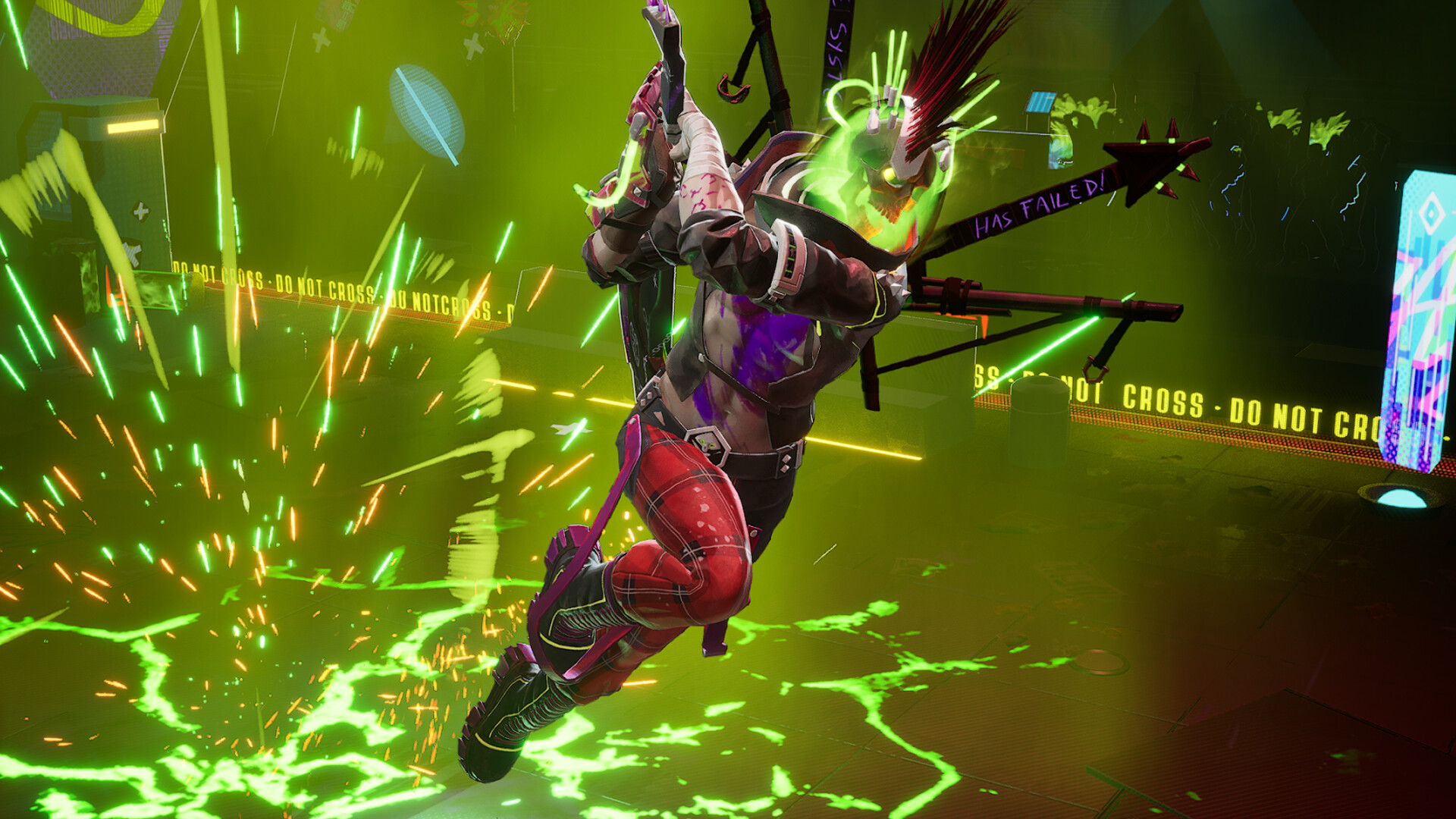
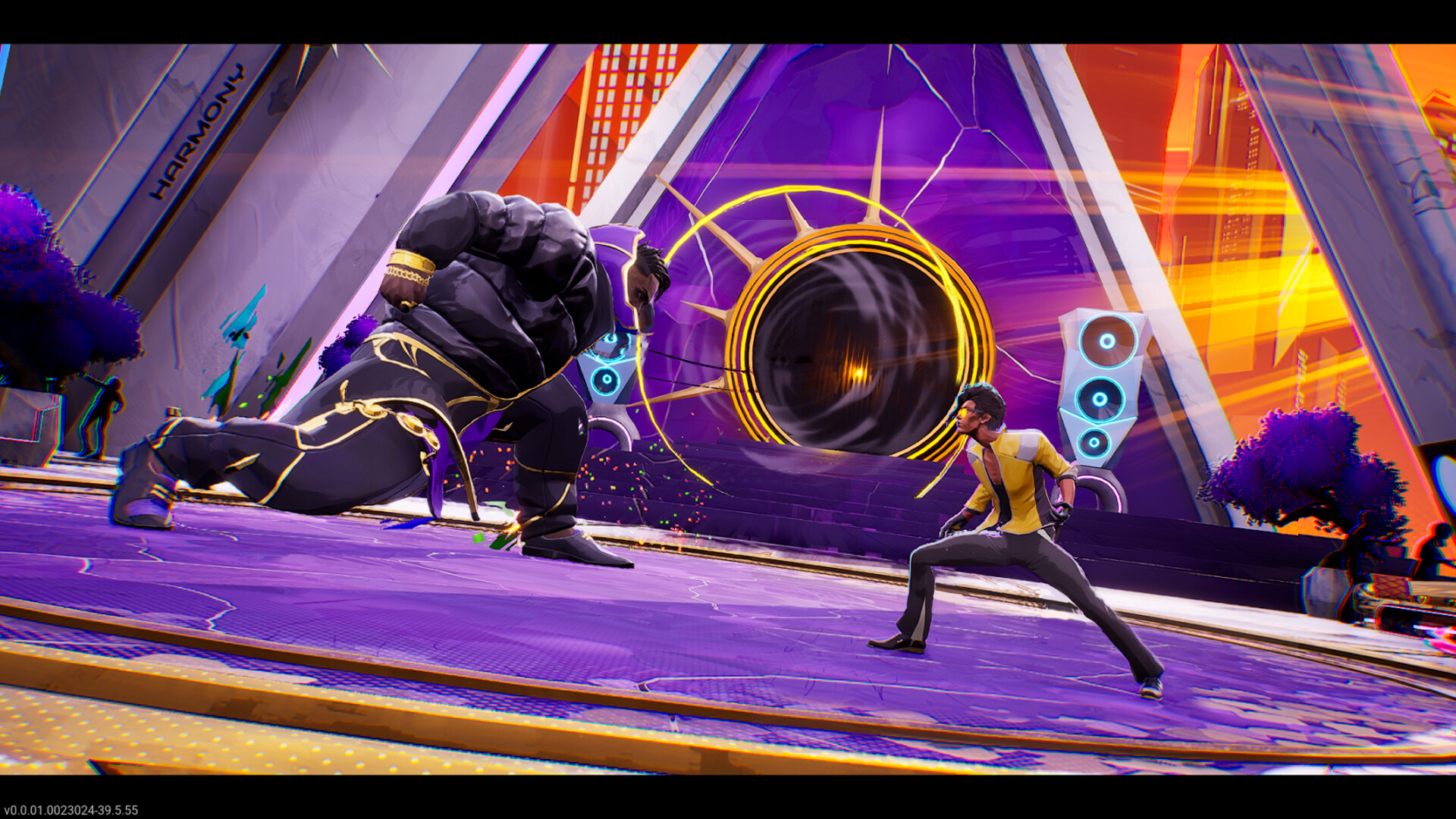
Dead as Disco is a rhythm-based action game that mixes fast combat with music-driven gameplay and neon-style visuals. Players fight through enemy-filled levels using timed attacks, dodges, and combo chains that sync with the soundtrack while progressing through story-focused missions and arcade-style challenges.
The game includes different weapons, unlockable upgrades, and stylized environments inspired by retro disco and electronic music themes. Combat speed, timing accuracy, and movement control all affect performance during battles, giving the game a strong arcade action feel with rhythm-focused mechanics.When martial arts meet music videos, you get Dead as Disco, a neon-drenched beat ’em up where every punch, kick, and combo is perfectly synchronized to the music. Join Charlie Disco on his quest to take down the nefarious Idols and reunite the band.
System Requirements
MINIMUM:
- Operating system:Windows 10
- Processor:Intel Core i5-6500, AMD Ryzen 5 1400, or equivalent
- RAM:8 GB of memory
- Graphs:Nvidia GTX 1060 6GB, AMD Radeon RX 580, or equivalent
- Disk space:20 GB of available disk space
Game Installation Guide
1) Download the game using a Torrent program or Direct program
2) Extract the game to your preferred location with WinRar or 7-Zip
3) Wait for the extraction to end
4) No need to install the game, just start with the LAUNCHER of the game as administrator
5) Play!
General Notes:
– Make sure you have Spacewar installed. Windows Key + R and type (steam://install/480).
– It is recommended to turn off your antivirus as some files get detected as false positive.
– In the case of an offline game, you may need to block it with firewall to prevent it from going online.
– Do not block the game with firewall if you are playing an online game with your friends.
– Turn Off your AntiVirus and Block the game’s exe in your firewall to prevent the game from
trying to go online ..
– If you install games to your system drive, it may be necessary
to run this game with admin privileges instead
– If you have a vac ban then you won’t able to play online games, create a new account if the account you gonna use have one of those.
-Need Help!! Join our server


