The Last Gas Station v1.0.0.305 Download
Game Details
- Very Positive (289)
♂ After reviewing the game, BUY the game to support the developer
https://store.steampowered.com/app/3690030
Screenshots

About This Game
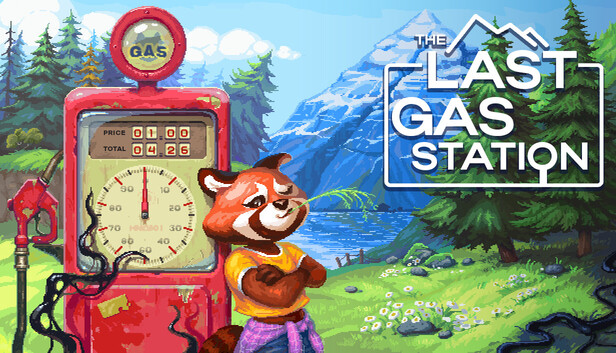
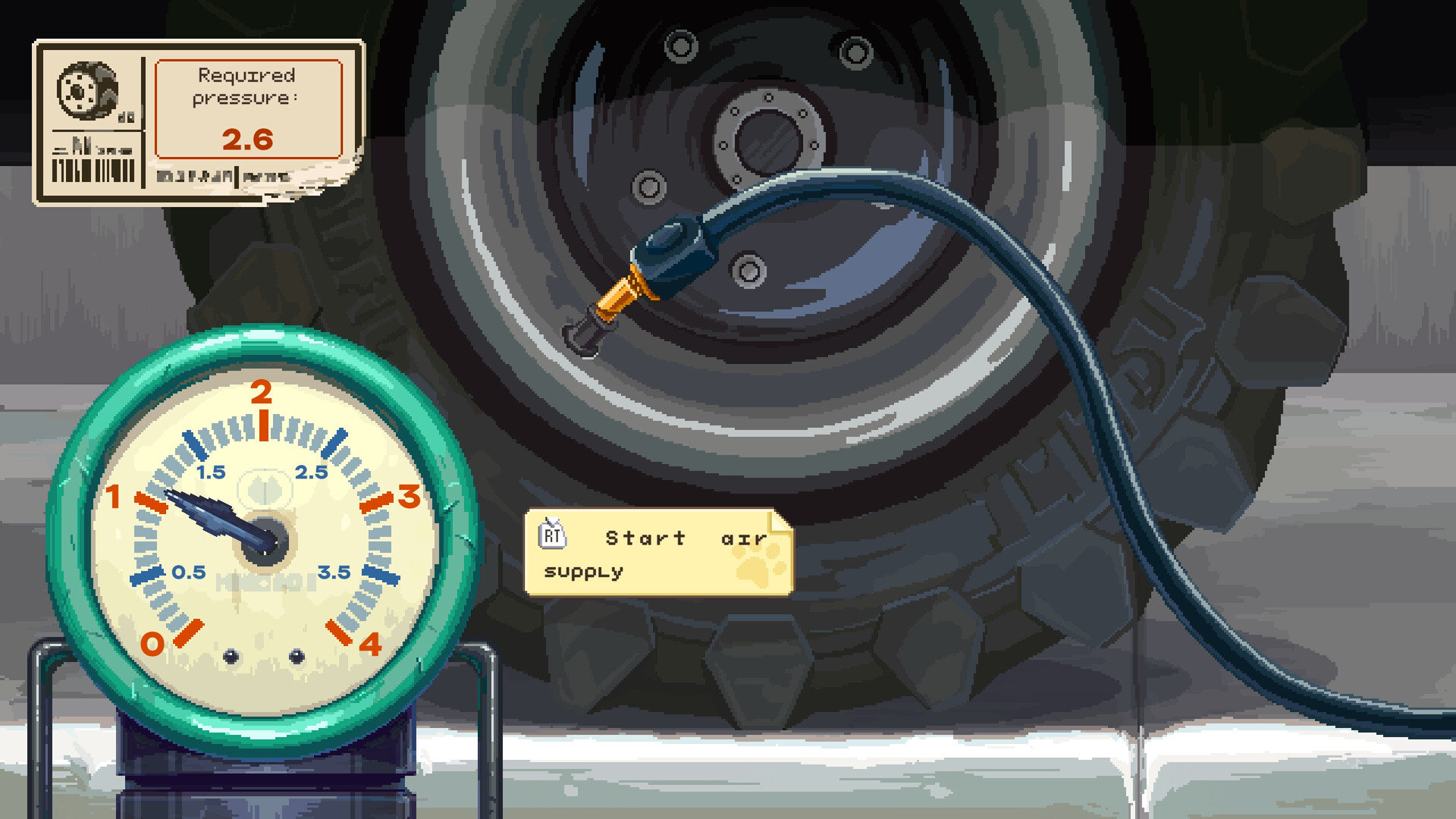
The Last Gas Station is a survival and management game where players operate an isolated gas station in a remote area while dealing with strange events, limited supplies, and passing travelers. Players repair equipment, refuel vehicles, manage inventory, and keep the station running while exploring nearby locations and uncovering hidden details about the surrounding region.
Version 1.0.0.305 includes gameplay updates, fixes, and performance improvements. The game combines business management, exploration, survival mechanics, and light horror elements with changing weather, nighttime events, and story-driven progression that affects daily operations.
In a world where electric cars reign supreme, you are now the owner of an old gas station out in the wilderness. Establish trade, develop your business and uncover the secret of this strange place in the compact gas station simulator.
System Requirements
MINIMUM:
- OS: Windows 10 64 bit
- Processor: Intel® Core™ i5-6402p CPU/AMD Ryzen 5 1600 or higher
- Memory: 8 GB RAM
- Graphics: NVIDIA GeForce GTX 960/AMD Radeon RX550
- Storage: 800 MB available space
- Additional Notes: Stay Hydrated
Game Installation Guide
1) Download the game using a Torrent program or Direct program
2) Extract the game to your preferred location with WinRar or 7-Zip
3) Wait for the extraction to end
4) No need to install the game, just start with the LAUNCHER of the game as administrator
5) Play!
General Notes:
– Make sure you have Spacewar installed. Windows Key + R and type (steam://install/480).
– It is recommended to turn off your antivirus as some files get detected as false positive.
– In the case of an offline game, you may need to block it with firewall to prevent it from going online.
– Do not block the game with firewall if you are playing an online game with your friends.
– Turn Off your AntiVirus and Block the game’s exe in your firewall to prevent the game from
trying to go online ..
– If you install games to your system drive, it may be necessary
to run this game with admin privileges instead
– If you have a vac ban then you won’t able to play online games, create a new account if the account you gonna use have one of those.
-Need Help!! Join our server
Download The Game
Important: This is not an official release of the game developer. Please after the test, buy game from the developer for the best experience.