


Game Details
Very Positive (468)
♂ After reviewing the game, BUY the game to support the developer
https://store.steampowered.com/app/3425460
Screenshots
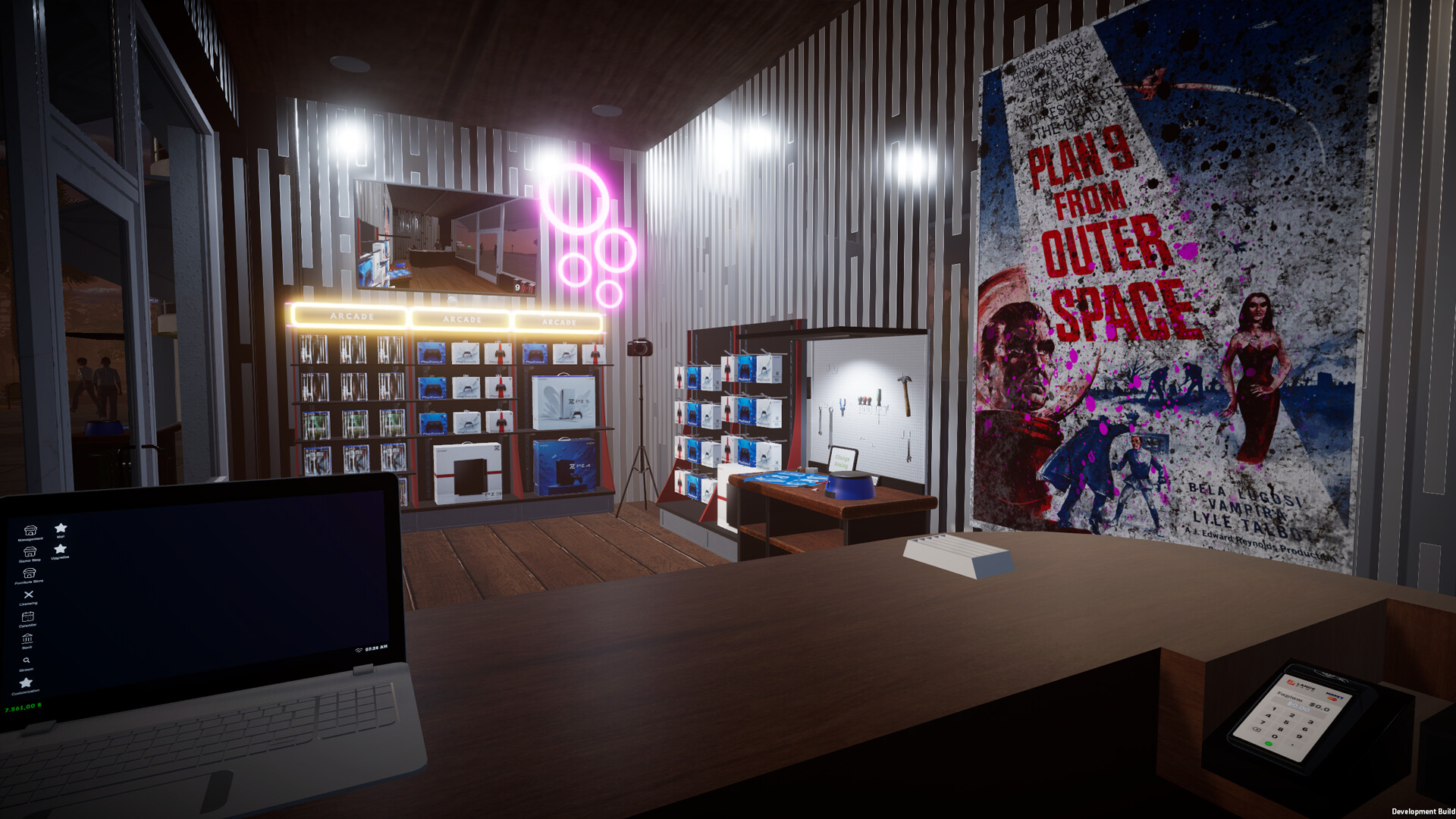
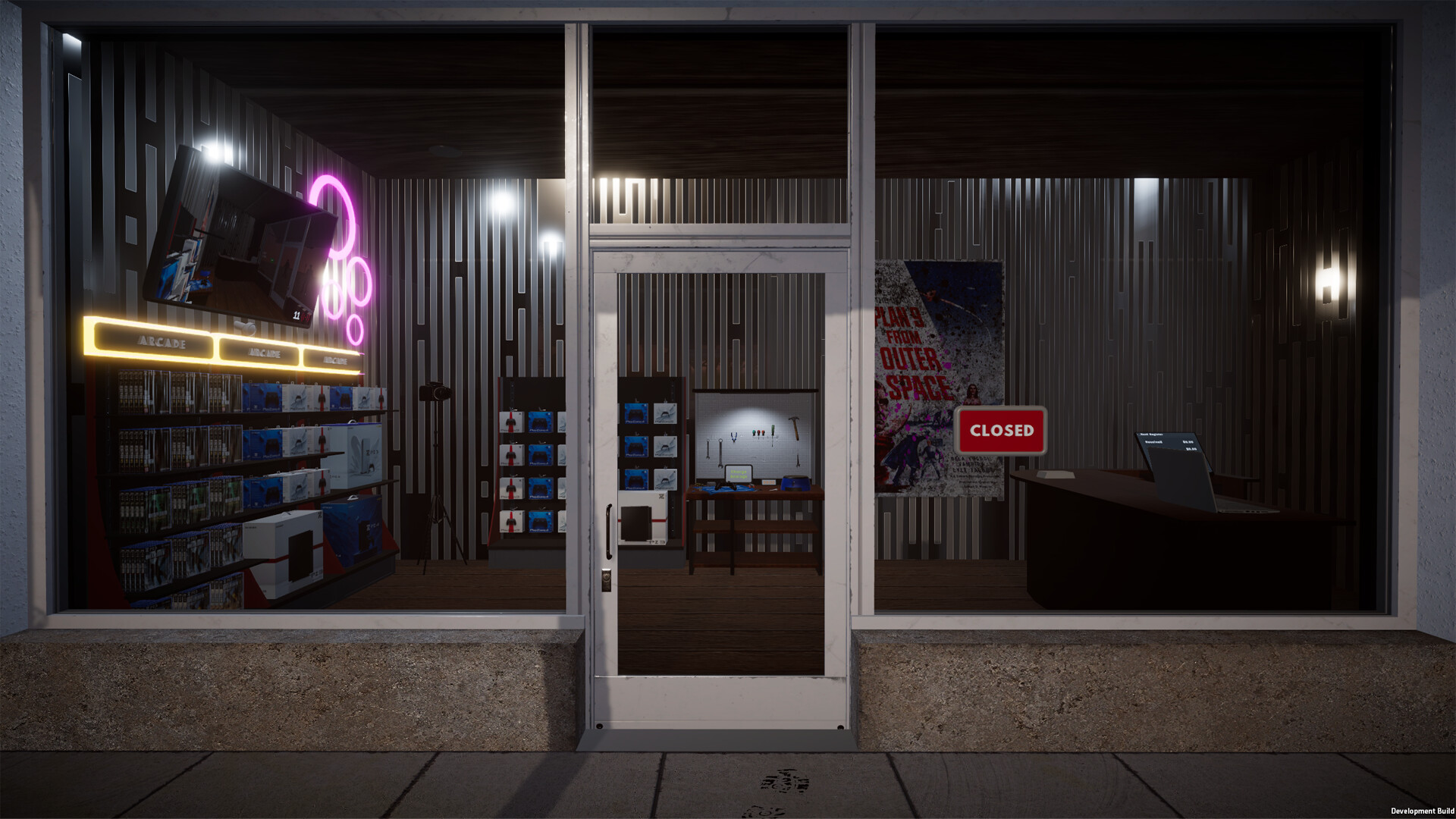
About This Game
Console Shop Simulator is a business management game where players run their own gaming console store, manage inventory, handle customer requests, and expand the shop over time. Players buy and sell consoles, accessories, and games while organizing displays, setting prices, and improving store operations to attract more customers.
The game includes customization systems, daily management tasks, employee handling, and business upgrades that unlock larger shop spaces and new products. Players balance profits, customer satisfaction, and stock management while building a successful gaming retail business.
Become the owner of a game store! Organize shelves, repair CDs, negotiate profits, promote your store via live stream, and increase customer satisfaction.
System Requirements
MINIMUM:
- OS: Windows (64-bit)
- Processor: i5 3550 / RYZEN 5 2500X
- Memory: 4 GB RAM
- Graphics: NVIDIA GTX 1050 / AMD R9 270X
- DirectX: Version 11
- Storage: 5 GB available space
Game Installation Guide
1) Download the game using a Torrent program or Direct program
2) Extract the game to your preferred location with WinRar or 7-Zip
3) Wait for the extraction to end
4) No need to install the game, just start with the LAUNCHER of the game as administrator
5) Play!
General Notes:
– Make sure you have Spacewar installed. Windows Key + R and type (steam://install/480).
– It is recommended to turn off your antivirus as some files get detected as false positive.
– In the case of an offline game, you may need to block it with firewall to prevent it from going online.
– Do not block the game with firewall if you are playing an online game with your friends.
– Turn Off your AntiVirus and Block the game’s exe in your firewall to prevent the game from
trying to go online ..
– If you install games to your system drive, it may be necessary
to run this game with admin privileges instead
– If you have a vac ban then you won’t able to play online games, create a new account if the account you gonna use have one of those.
-Need Help!! Join our server
Download The Game
Important: This is not an official release of the game developer. Please after the test, buy game from the developer for the best experience.


